2025 Trends: Integrating 3D Modeling with Video Editing for Creators
Introduction
Ready to supercharge your content in 2025? The creative world is buzzing as 3D modeling and video editing collide, unlocking new levels of storytelling for creators, YouTubers, and video producers. If you want to stand out, now’s the time to master this dynamic duo. Let’s dive into the hottest trends, practical strategies, and real-world examples that will define the year ahead.
The Fusion of 3D Modeling and Video Editing
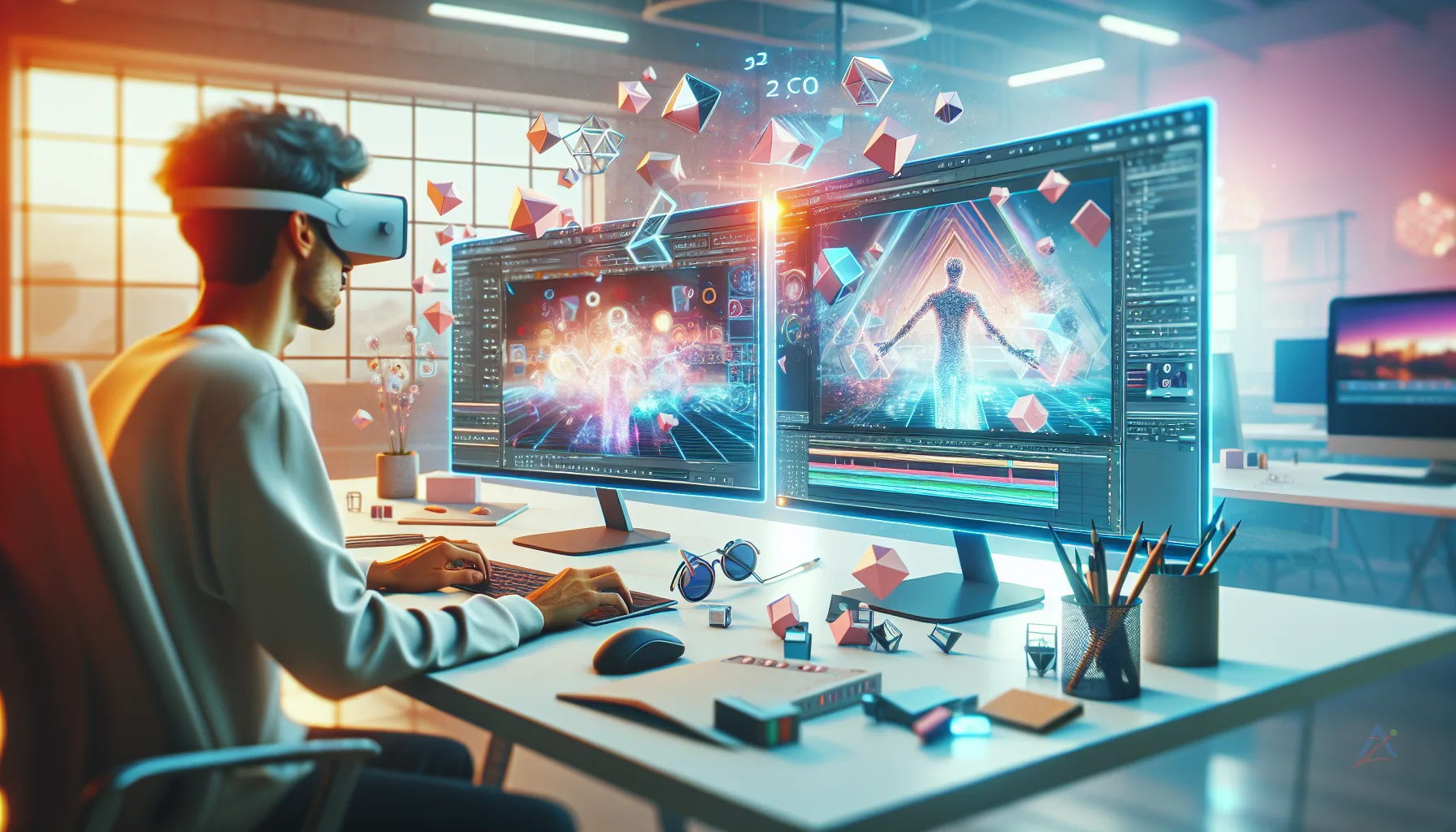
The line between 3D modeling and video editing is blurring fast. In 2025, creators are no longer just layering effects—they’re building immersive worlds. Imagine dropping a photorealistic 3D product into your unboxing video or animating your logo to leap off the screen. This isn’t sci-fi; it’s the new normal.
Why is this happening?
- Software is more accessible and user-friendly
- Hardware can handle complex renders on the fly
- Audiences crave visually rich, interactive content
For example, YouTubers are using 3D models to create virtual sets, while video producers blend animated graphics with live footage for jaw-dropping explainer videos. The result? Content that’s more engaging, memorable, and shareable.
Top 2025 Trends for Creators
1. Real-Time 3D Integration
Gone are the days of waiting hours for renders. With real-time engines like Unreal and Blender’s Eevee, creators can preview and tweak 3D elements instantly. This means:
- Faster production cycles
- More creative experimentation
- Seamless blending of 3D and live-action footage
2. Interactive Video Experiences
💡 Looking for professional 3D Modeling services? Check out our Fiverr gig to get started today!
Viewers want to participate, not just watch. Interactive 3D overlays, clickable hotspots, and AR elements are making videos more engaging. Imagine a product demo where viewers spin the 3D model or a tutorial where they explore animated diagrams.
3. Hyper-Realistic Product Animation
Brands and influencers are using 3D modeling to showcase products in ways that traditional video can’t. Think transparent cutaways, exploded views, or animated assembly sequences. Check out our 3D product animation services to see how this trend is transforming marketing.
4. Custom 3D Logo Animations
A static logo is so 2024. In 2025, creators are commissioning custom 3D logo animations that reflect their brand’s personality. Whether it’s a metallic spin, a liquid morph, or a playful bounce, these intros set the tone for your entire channel. Explore our custom logo animation options for inspiration.
5. Military-Grade Explainers for Civilian Content
Complex topics need clear visuals. Military-style 3D explainers—once reserved for defense—are now helping creators break down tech, science, and engineering topics for mainstream audiences. Our military 3D explainer service brings this clarity to your next project.
Practical Strategies for Seamless Integration
Choose the Right Tools
Not all software is created equal. For beginners, tools like Blender and DaVinci Resolve offer powerful features without a steep learning curve. For advanced users, integrating Unreal Engine or Cinema 4D with Adobe Premiere unlocks pro-level workflows.
Plan Your Pipeline
Map out your project before you start. Decide which elements will be 3D, which will be live-action, and how they’ll interact. This saves time and ensures a cohesive final product.
Optimize for Speed
Heavy 3D assets can slow down your workflow. Use proxies, optimize textures, and leverage GPU acceleration to keep things moving. Don’t forget to test your renders on multiple devices for compatibility.
Collaborate with Specialists
You don’t have to do it all alone. Partnering with 3D artists or video editors can elevate your content. Our video editing services and 3D modeling expertise are here to help you bring your vision to life.
Quick Checklist
- Define your project’s 3D and video needs upfront
- Choose software that fits your skill level and goals
- Plan your workflow and asset pipeline
- Optimize 3D models for fast rendering
- Test your video on multiple devices
- Collaborate with 3D and video editing pros
- Stay updated on new tools and trends
- Review feedback and iterate for improvement
FAQ
Q1: Do I need advanced skills to integrate 3D modeling with video editing?
A: Not at all! Many tools now offer beginner-friendly interfaces and tutorials. Start small and build your skills as you go.
Q2: What’s the best software for combining 3D and video?
A: Blender and DaVinci Resolve are great for beginners. For more advanced needs, try Unreal Engine or Cinema 4D with Adobe Premiere.
Q3: How can 3D modeling make my videos stand out?
A: 3D elements add depth, realism, and interactivity. They help explain complex ideas, showcase products, and create memorable branding.
Q4: Is it expensive to add 3D modeling to my workflow?
A: Costs vary, but many powerful tools are free or affordable. Outsourcing specific tasks can also be cost-effective.
Q5: Where can I find professional help for 3D and video projects?
A: Check out our 3D modeling and video editing services for expert support tailored to creators.
Conclusion
2025 is the year creators break boundaries by merging 3D modeling with video editing. Whether you’re a YouTuber, marketer, or indie filmmaker, these trends offer fresh ways to captivate your audience. Ready to level up? Explore our video editing and 3D modeling services to start creating content that truly stands out. The future is 3D—don’t get left behind!
Ready to Get Started?
If you're looking for professional 3D Modeling services, I'm here to help! Visit my Fiverr profile to see my portfolio and place an order.
Turn this workflow into real deliverables
Browse production-ready 3D assets for your next project, then step into 3d modeling if you need a custom build.