Aquatic Simulations: Enhance Marine VR with Tuna Fish 3D Model
Introduction
If your brand wants an ocean moment in VR, start with the fish. A believable tuna sells depth, speed, and scale better than any reef prop. With the right model and workflow, small teams can ship marine worlds that feel premium in 2026.
Why tuna models elevate marine VR
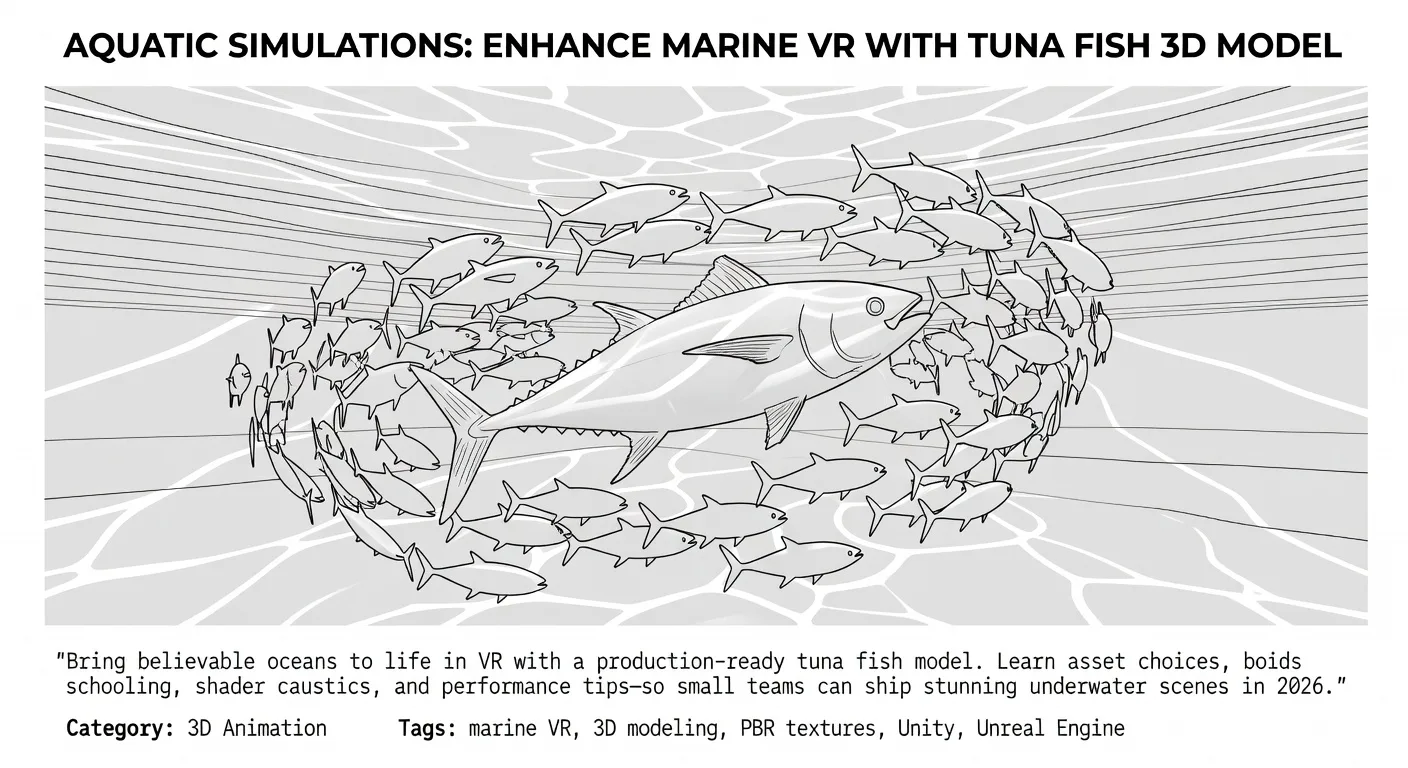
Tuna travel fast and school tightly, so their motion immediately communicates underwater energy. The species’ metallic skin, specular roll-off, and thunniform locomotion give your shaders a perfect showcase for caustics and subtle detail.
For entrepreneurs, that realism means longer dwell time and clearer storytelling. Whether you’re visualizing eco-products, education, or resort marketing, a credible tuna pass keeps players engaged without ballooning budget or scope.
Asset spotlight: fast starts that still look real
- Tuna Fish – 3D Model: A highly detailed asset designed for marine environments and underwater animations. Ideal as a hero fish or for close passes when paired with thoughtful lighting and material tuning.
- Realistic Tuna 3D Model – Rigged PBR Asset for Games: A mid‑poly, animation‑ready fish with PBR scales and a wetness response, typically shipped in FBX/OBJ—great for cinematic motion while staying nimble in VR.
- Animated Tuna – 3D Animal Model (CC BY): Fully animated and rigged, handy for quick scene population or previsualization when you need motion immediately.
- Tuna Fish by GoldenZtuff (CC BY): Lightweight at about 7.9k triangles with 4K PBR textures (diffuse, roughness, AO, metallic)—a practical pick for VR where poly budgets matter.
Use the first as your hero asset, then mix lighter models for background schools. Keep licenses straight, and always credit CC Attribution assets in your project notes and store listings.
💡 Looking for professional 3D Product Animation services? Check out our Fiverr gig to get started today!
Unity/Unreal setup that respects budgets
Import your tuna as FBX or glTF depending on pipeline preference. In Unreal, favor Nanite for environments but not for skinned fish; in Unity, verify import normals, tangents, and texture compression to preserve specular roll.
Match materials to water lighting. Drive base color, normal strength, and roughness to emphasize the metallic sheen without turning the fish into a mirror. Add a caustics projector or node-based caustics in your water shader, and layer subtle chromatic attenuation.
Quick boids for schooling
Boids generate convincing fish schools from simple rules—separation, alignment, cohesion—scaling from dozens to thousands with spatial subdivision or GPU swarms.
Example parameters to start:
separationWeight = 1.2
alignmentWeight  = 0.8
cohesionWeight   = 0.9
maxSpeed         = 6.0
wanderJitter     = 0.15
Place a goal volume along your swim path, and blend animation clips for tail beats so movement reads as thunniform, not snake-like.
Performance and realism: a practical recipe
- LODs: Author at least 2–3 LODs for background fish. Cut normal intensity slightly on distant LODs to reduce shimmering under caustics.
- Culling: Use frustum and distance culling, and pause flock updates outside the player’s cone of attention.
- GPU/compute: For large schools, leverage compute-shader boids or GPU swarm plugins; update transforms on GPU and instance meshes to save draw calls.
- Materials: Prefer packed PBR maps. On mobile XR, trim texture resolution or use shared atlases across variants.
- Water volume: Combine volumetric fog with depth color gradients to sell scale. A faint forward-scatter and particulate billboard cards add life without heavy cost.
For hero shots, hand-animate a pass of the Tuna Fish – 3D Model, then let boids handle background density. When ready to market, cut a kinetic teaser from in-engine captures and finish in our 3D product animation service or collaborate on model polish via professional 3D modeling.
Production workflow for small teams
- Block the swim corridor and lighting first; test one animated tuna before adding schools. 2) Validate performance on target headsets early. 3) Create two material variants: “clean daylight” and “deep blue” for quick scene swaps. 4) Build a short content loop—approach, pass, reveal—then expand.
To launch, pair your experience with a simple microsite and demo reel. We can help package it with website landing page development and editorial finishing through video editing for trailers.
Quick Checklist
- Pick a hero tuna and two lightweight variants
- Import as FBX/glTF and verify normals/tangents
- Set caustics, fog, and color attenuation
- Configure boids with GPU/compute when needed
- LODs for mid/far fish; frustum culling on
- Two material presets for fast look-dev
- Credit CC BY models in app/store pages
Featured Assets
These published 3D assets connect directly to the workflow ideas covered in this article:
- Tuna Fish – 3D Model - A highly detailed Tuna Fish 3D model designed for marine environments, underwater animations, games, and educational visualizations. The model accurately captur
FAQ
Do I need a rigged model for VR?
Rigging helps sell close-up passes. For background schools, unrigged instanced meshes with boids are fine, but a rigged hero tuna anchors realism.
Unity or Unreal for marine VR?
Both work. Unity excels with efficient mobile XR pipelines; Unreal shines for high-end visuals and material graph caustics. Choose based on your team’s fluency.
How many fish can I run?
It depends on headset and shaders. With LODs, instancing, and compute boids, hundreds to thousands are feasible; prototype and profile early.
What textures matter most?
Roughness and normals define the metallic roll. AO helps depth; keep albedo subdued so caustics and lighting do the heavy lifting.
Conclusion
A great tuna is a small asset with outsized impact. Start with the Tuna Fish – 3D Model, layer boids, tune water and caustics, then publish confidently.
Sources
- Realistic Tuna 3D Model – Rigged PBR Asset for Games
- [Animated Tuna – 3D Animal Model (Sketchfab)](https://sketchfab.com
Ready to Get Started?
If you're looking for professional 3D Product Animation services, I'm here to help! Visit my Fiverr profile to see my portfolio and place an order.
Turn this workflow into real deliverables
Browse production-ready 3D assets for your next project, then step into 3d modeling if you need a custom build.