Step-by-Step Guide: Crafting Military-Grade 3D Explainers for Marke...
Introduction
Ever wondered how to make your marketing videos stand out with jaw-dropping visuals and crystal-clear messaging? Military-grade 3D explainers are the secret weapon for content creators, YouTubers, and video producers aiming to captivate audiences in 2026. These videos combine cinematic visuals with precise storytelling, making even the most complex topics accessible and engaging. Ready to elevate your content? Let’s break down the process step by step.
Understanding Military-Grade 3D Explainers
Military-grade 3D explainers aren’t just about flashy graphics—they’re about clarity, accuracy, and impact. These videos are designed to simplify intricate concepts, whether you’re showcasing advanced technology, product features, or tactical scenarios. Marketers love them because they:
- Transform technical jargon into visual stories
- Build trust with realistic, detailed animations
- Engage viewers with immersive experiences
For example, a defense tech startup might use a 3D explainer to demonstrate how their drone operates in real-world scenarios. The result? Audiences understand the product’s value instantly.
Step 1: Define Your Mission and Audience
Before opening your favorite editing software, clarify your video’s purpose. Ask yourself:
💡 Looking for professional Video Editing services? Check out our Fiverr gig to get started today!
- Who is my target audience? (e.g., engineers, investors, general public)
- What’s the core message I want to deliver?
- What action should viewers take after watching?
A clear mission ensures your visuals and script work together seamlessly. For instance, if you’re targeting decision-makers, focus on benefits and outcomes rather than technical specs.
Step 2: Script and Storyboard Like a Pro
A compelling script is the backbone of any great explainer. Keep it concise, conversational, and focused on the viewer’s needs. Break down your message into digestible sections:
- Introduction: Hook the viewer with a relatable problem or scenario
- Solution: Introduce your product or concept
- How It Works: Use step-by-step visuals
- Call to Action: Guide viewers to the next step
Storyboarding helps visualize each scene before animating. Sketch out key frames, camera angles, and transitions. This blueprint saves time and ensures your team is aligned.
Step 3: Model, Animate, and Render with Precision
Now, it’s time to bring your vision to life. Military-grade 3D explainers demand attention to detail:
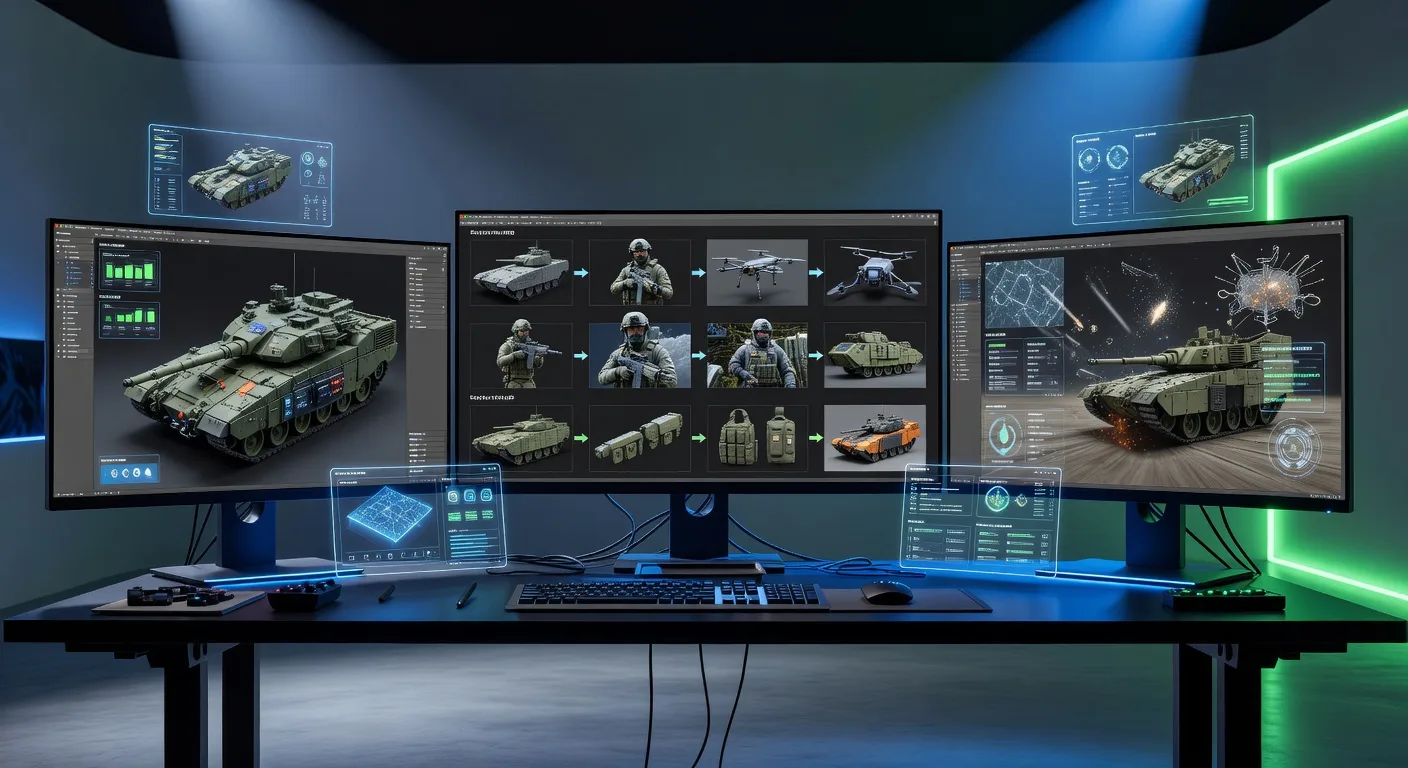
- 3D Modeling: Create accurate models of equipment, environments, or products. Use reference images for authenticity.
- Animation: Show movement and function clearly. For example, animate a radar system scanning a perimeter or a vehicle navigating terrain.
- Rendering: Choose realistic lighting and textures. High-quality renders add credibility and polish.
If you need expert help, check out our 3D modeling and military 3D explainer services for professional support.
Step 4: Edit, Polish, and Add the Finishing Touches
Editing is where your explainer truly comes together. Use these tips for a professional finish:
- Pacing: Keep scenes short and dynamic to maintain interest
- Sound Design: Add impactful sound effects and a fitting soundtrack
- Voiceover: Use a clear, authoritative voice to guide viewers
- Branding: Incorporate your logo and color scheme for consistency
Don’t forget to review your video for accuracy and clarity. A second pair of eyes can catch details you might miss. For seamless editing, explore our video editing solutions.
Quick Checklist
- Define your audience and mission
- Write a concise, engaging script
- Create a detailed storyboard
- Model and animate with accuracy
- Render with realistic lighting and textures
- Edit for pacing and clarity
- Add sound design and voiceover
- Review and refine before publishing
FAQ
Q1: What makes a 3D explainer "military-grade"?
A: Military-grade explainers prioritize accuracy, realism, and clear communication. They use detailed models and precise animations to convey complex information effectively.
Q2: How long should a military-grade 3D explainer be?
A: Aim for 60-120 seconds. This keeps viewers engaged while delivering your message efficiently.
Q3: Can I use stock models or should I create custom assets?
A: Custom assets are best for authenticity, especially for specialized equipment. Our 3D product animation team can help with bespoke models.
Q4: What software is recommended for 3D explainers in 2026?
A: Popular choices include Blender, Cinema 4D, and Unreal Engine. Choose based on your project’s complexity and your team’s expertise.
Q5: How do I ensure my video aligns with my brand?
A: Use consistent colors, fonts, and logos. Our custom logo animation service can help reinforce your brand identity.
Conclusion
Crafting military-grade 3D explainers is a game-changer for marketers and creators in 2026. By following these steps, you’ll produce videos that inform, impress, and inspire action. Ready to take your content to the next level? Explore our video editing and military 3D explainer services to get started today!
Ready to Get Started?
If you're looking for professional Video Editing services, I'm here to help! Visit my Fiverr profile to see my portfolio and place an order.
Turn this workflow into real deliverables
Browse production-ready 3D assets for your next project, then step into military 3d explainer if you need a custom build.