Creative Uses of Wireless Charger 3D Models in Ecommerce
Introduction
Imagine transforming your online store from a simple product page into an immersive experience that captivates customers. As a small business owner, you're always seeking fresh ways to showcase items like wireless chargers. Enter the Wireless Charger – High-Quality 3D Model, a versatile asset that brings realism to your digital content. This model isn't just a static file; it's a gateway to dynamic ecommerce storytelling that can set your brand apart. By incorporating this 3D model into your visuals, you unlock creative potential that resonates with tech-savvy shoppers in 2026.
Elevating Product Visualizations
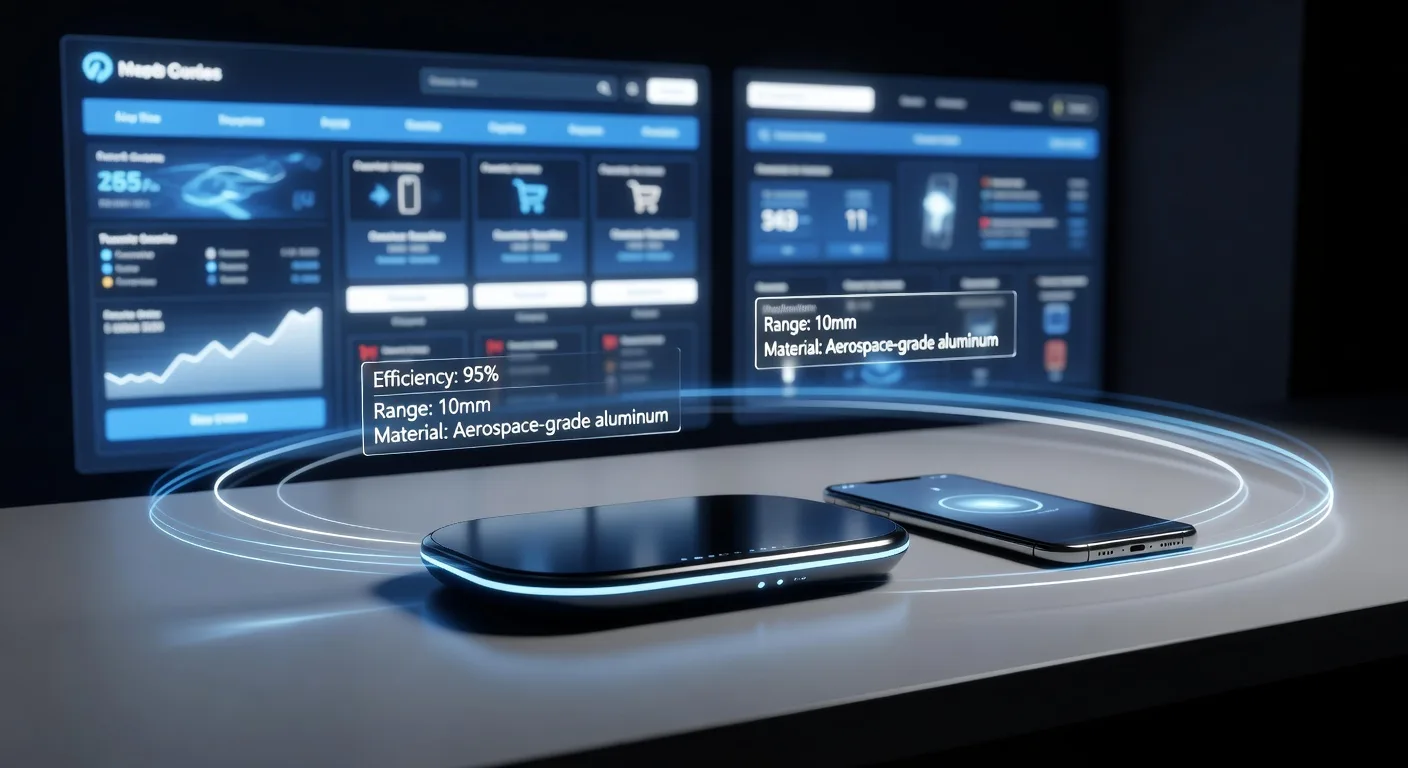
Start by integrating the Wireless Charger – High-Quality 3D Model into your product images and videos. Instead of flat photos, render this model in scenes that mimic real-life usage, like a charger on a cluttered desk or paired with a smartphone. This approach adds depth and professionalism, making your listings more appealing. For instance, use software like Blender or Cinema 4D to animate the model charging a device, highlighting features such as fast wireless tech. Small entrepreneurs can tweak lighting and textures to match their brand's aesthetic, turning basic visuals into compelling narratives.
Crafting Ecommerce Storytelling
💡 Looking for professional 3D Product Animation services? Check out our Fiverr gig to get started today!
Storytelling is key in ecommerce, and this 3D model excels at it. Weave narratives around everyday scenarios, such as a busy professional relying on the charger during a workday. Position the model in animated sequences that show its benefits, like seamless integration with modern lifestyles. This builds emotional connections, encouraging purchases. Combine it with 3D product animation services to create short videos that explain product specs without overwhelming text. Entrepreneurs can experiment with AI tools to auto-generate variations, ensuring each story feels personalized and engaging.
Streamlining Digital Workflows
Efficiency matters for small teams, and the Wireless Charger – High-Quality 3D Model fits perfectly into optimized pipelines. Import it into your favorite 3D software for quick edits, reducing the need for custom modeling from scratch. Pair it with plugins for real-time rendering, speeding up content creation. In 2026, AI workflows can automate repetitive tasks, like applying materials or simulating physics. This model supports scalable production, allowing you to reuse it across multiple campaigns. Link it to your website landing pages via custom development for interactive demos that boost conversions.
Leveraging Modern Tools and AI
Embrace cutting-edge tech to maximize this asset's impact. Use AI-enabled platforms to enhance the model with procedural textures or dynamic lighting effects. For example, integrate it into AR experiences where customers visualize the charger in their space via a mobile app. This not only educates but also drives sales. Small business owners can explore free or low-cost tools like Unity for real-time applications. By blending the model with 3D modeling services, you create hybrid workflows that blend human creativity with AI precision, resulting in polished, innovative content.
Quick Checklist for Using 3D Models in Ecommerce
- Assess your current visuals and identify gaps where 3D models like the Wireless Charger can add realism.
- Choose compatible software, such as Blender or Maya, to import and customize the model.
- Experiment with animations to demonstrate product features in context.
- Incorporate AI tools for quick texture adjustments and rendering optimizations.
- Test integrations on your ecommerce platform for seamless user experiences.
- Measure engagement metrics to refine future uses of the model.
- Collaborate with freelancers for advanced customizations if needed.
- Update your content library regularly to keep visuals fresh and relevant.
Featured Assets
These published 3D assets connect directly to the workflow ideas covered in this article:
- Wireless Charger – High-Quality 3D Model - This is a realistic wireless charger 3D model, designed for product visualization, animation, advertising, and real-time applications. The model features a clea
Frequently Asked Questions
What software works best with the Wireless Charger – High-Quality 3D Model? Popular options include Blender for beginners and Cinema 4D for pros. Ensure your setup supports OBJ or FBX formats for easy imports.
How can this model improve my sales? By creating lifelike visuals, it helps customers visualize products, reducing doubts and increasing conversions. Pair it with storytelling to build trust.
Is AI integration necessary? Not mandatory, but it speeds up workflows. Tools like Adobe Sensei can automate elements, freeing you for creative tasks.
Can I use it for videos? Absolutely. Animate it in sequences to show usage, and export for social media or website embeds.
Where can I get the Wireless Charger – High-Quality 3D Model? Check out the detailed asset page at /assets/wireless-charger-high-quality-3d-model for downloads and specs.
Conclusion
Incorporating the Wireless Charger – High-Quality 3D Model into your ecommerce strategy can revolutionize how you present products. From vivid visualizations to engaging stories, the possibilities are endless for small business owners. Start small by experimenting with one scene, then scale up with AI and professional services. Ready to elevate your brand? Explore video editing options to polish your creations and watch your online presence thrive.
Ready to Get Started?
If you're looking for professional 3D Product Animation services, I'm here to help! Visit my Fiverr profile to see my portfolio and place an order.
Turn this workflow into real deliverables
Browse production-ready 3D assets for your next project, then step into 3d product animation if you need a custom build.