Master 3D Modeling for Marketers: Tools, Comparisons, and Pipelines
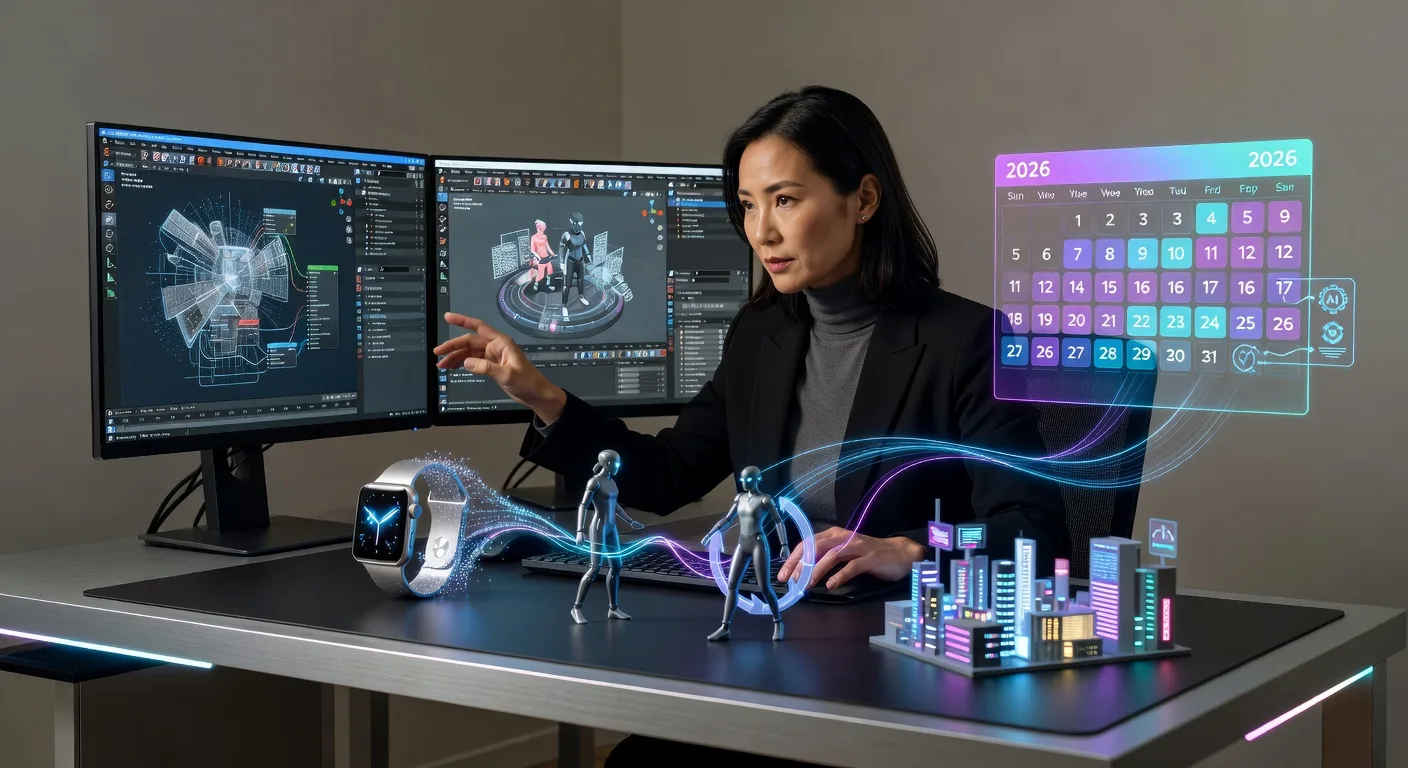
Unleashing 3D Magic for Your Marketing Campaigns
Hey there, fellow creators! If you're a marketer juggling videos, YouTube scripts, or explainer clips, 3D modeling might just be the secret sauce to make your visuals pop. Imagine transforming a simple product idea into a dynamic animation that captivates viewers. In 2026, with AI tools revolutionizing workflows, it's easier than ever to dive in without a steep learning curve. Let's explore how 3D modeling can supercharge your marketing efforts.
Why 3D Modeling Matters in Modern Marketing
3D modeling lets you craft lifelike representations of products, characters, or scenes, perfect for ads that stand out. For YouTubers, it means creating eye-catching thumbnails or intros that boost engagement. Video producers can use it to simulate environments for tutorials or reviews. Trends like no-code tools and AI integration mean even beginners can start modeling without coding expertise.
This approach ties into broader content creation shifts, where asset-led explainers are king. By 2026, tools like those from Guideflow and Gelato are making it accessible, blending human creativity with AI for faster results.
Comparing Top 3D Modeling Tools in 2026
💡 Looking for professional 3D Product Animation services? Check out our Fiverr gig to get started today!
Choosing the right tool depends on your needs—budget, complexity, and integration with other software. Here's a breakdown of popular options:
- Blender: Free and open-source, ideal for budget-conscious marketers. It excels in detailed modeling and animation, with plugins for AI-assisted workflows.
- Maya: Professional-grade for high-end productions, great for intricate product animations. It's pricier but integrates well with motion design suites.
- Cinema 4D: User-friendly with a focus on ease, perfect for quick marketing visuals. Its AI features speed up rendering for YouTube creators.
- Houdini: Best for complex simulations, like fluid dynamics in explainer videos. It's powerful but has a steeper curve for newcomers.
Compare based on cost, learning time, and output quality. For instance, if you're producing military-themed explainers, tools like Houdini shine in realistic effects.
Building Your 3D Pipeline for Efficiency
A solid pipeline streamlines your process from idea to final render. Start with sketching concepts, then model in your chosen tool. Incorporate AI for texturing or lighting to cut down on manual work.
Integrating AI Workflows
In 2026, AI tools for motion designers, such as those from Hatch Studios, automate repetitive tasks. Pair them with 3D software to generate variations quickly, enhancing productivity for video producers.
Asset Management and Collaboration
Use cloud-based platforms to store and share 3D assets. This ensures smooth collaboration, especially for teams creating custom logo animations or landing page visuals.
Checklist: Steps to Choose and Implement Your 3D Pipeline
- Assess your project's scale and budget to narrow down tools like Blender or Maya.
- Test free trials of 3D software to gauge ease of use for your skill level.
- Research AI integrations, such as plugins for automated texturing.
- Plan your workflow, including asset creation and rendering phases.
- Collaborate with tools for shared access, avoiding version conflicts.
- Measure output quality against marketing goals, like viewer retention.
- Update your pipeline annually to incorporate 2026 trends in no-code tools.
- Seek tutorials from creators using similar setups for real-world tips.
Frequently Asked Questions
Q: What's the best beginner-friendly 3D tool for marketers? A: Cinema 4D stands out for its intuitive interface and quick learning curve, making it great for those new to modeling.
Q: How does AI fit into 3D pipelines? A: AI tools automate tasks like rigging or rendering, speeding up production for content creators focused on efficiency.
Q: Can I use 3D modeling for social media videos? A: Absolutely—it's perfect for short, engaging clips, like product demos on YouTube, with tools handling complex animations simply.
Q: Are there free resources to learn 3D modeling? A: Yes, platforms like Blender's community offer tutorials, and 2026 trends emphasize accessible no-code options.
Q: How do I integrate 3D into video editing? A: Export models as assets and import into editing software, leveraging services like our video editing for seamless blending.
Wrapping Up: Elevate Your Marketing with 3D
Embracing 3D modeling opens doors to creative marketing that resonates in 2026's fast-paced digital world. Whether you're comparing tools or building pipelines, focus on what aligns with your style. Ready to get started? Check out our 3D modeling services or explore 3D product animation to bring your ideas to life. Let's create something amazing together!
Ready to Get Started?
If you're looking for professional 3D Product Animation services, I'm here to help! Visit my Fiverr profile to see my portfolio and place an order.
Turn this workflow into real deliverables
Browse production-ready 3D assets for your next project, then step into 3d modeling if you need a custom build.