Mastering Video Editing Workflow for YouTubers
Introduction
Hey there, fellow creators! Ever stared at a pile of raw footage, wondering how to turn it into something magical? As a YouTuber or video producer, mastering your video editing workflow can transform chaos into captivating content. In 2026, with tools evolving rapidly, let's dive into a friendly guide that makes editing less daunting and more enjoyable.
Understanding the Basics of Video Editing Workflow
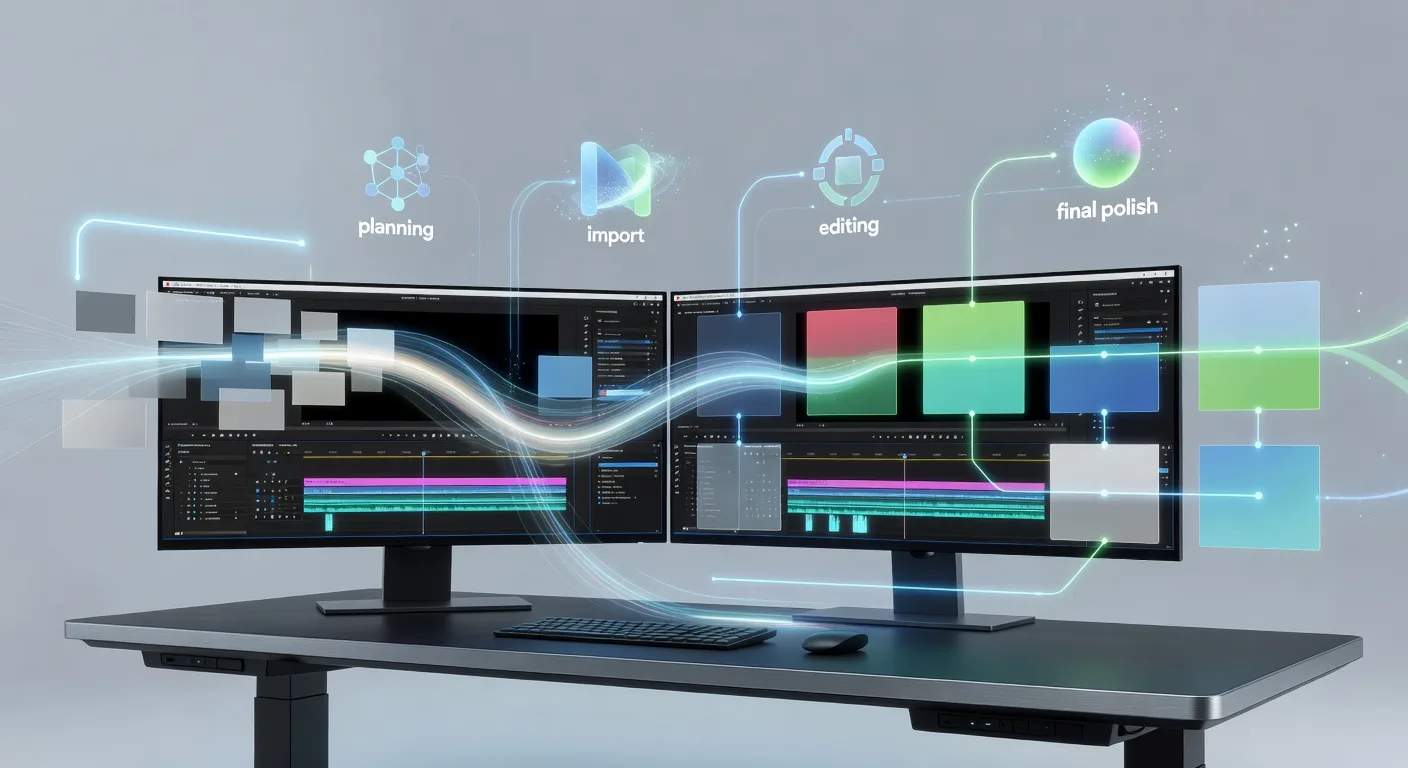
At its core, a solid workflow organizes your process from start to finish. Begin by importing your clips into software like Adobe Premiere Pro or DaVinci Resolve. Sort footage by scene or theme to build a storyboard mentally. This initial step prevents overwhelm and ensures a logical narrative flow.
Next, trim unnecessary parts to keep energy high. Add transitions smoothly to connect ideas without jarring viewers. Remember, simplicity often shines brighter than flashy effects.
Planning Your Video Editing Session
Before you hit play, outline your video's structure. Jot down key moments, like intros, main content, and calls to action. Set goals for each session to avoid burnout. For instance, dedicate one hour to color grading and another to audio mixing.
💡 Looking for professional Video Editing services? Check out our Fiverr gig to get started today!
Incorporate feedback loops by reviewing drafts early. Share rough cuts with a trusted friend for fresh perspectives. This iterative approach refines your vision before the final export.
Essential Tools and Techniques for Efficiency
Choose software that matches your skill level and budget. Free options like HitFilm Express offer pro features for beginners. Invest in plugins for effects, but use them sparingly to maintain authenticity.
Master keyboard shortcuts to speed up tasks—think cutting with C and pasting with V. Automate repetitive actions, such as batch exporting, to free up creative time.
Experiment with AI-assisted tools for 2026, like auto-captioning or scene detection. They handle grunt work, letting you focus on storytelling.
Best Practices for Polished Results
Prioritize audio clarity; muddy sound kills engagement. Layer in music and sound effects to enhance mood without overpowering dialogue.
Ensure visual consistency through color correction. Match lighting and tones across clips for a professional look. Test on multiple devices to catch glitches.
Finally, optimize for platforms—YouTube favors vertical formats for mobile, so adapt accordingly.
Advanced Tips for Seasoned Creators
Dive into multi-camera editing for dynamic scenes, syncing footage seamlessly. Explore motion graphics to explain complex ideas visually.
Incorporate data-driven insights; analyze viewer retention metrics to tweak pacing. Collaborate with animators for hybrid videos, blending live action with 3D animations.
Stay updated on trends, like immersive 360-degree edits, to keep content innovative.
Quick Checklist for Your Next Edit
- Import and organize raw footage by theme or timeline.
- Create a rough storyboard outlining key scenes and transitions.
- Trim and cut clips to eliminate filler, aiming for concise pacing.
- Apply basic color grading for visual harmony across shots.
- Mix audio layers, adding music and effects for emotional depth.
- Add text overlays or graphics to highlight important points.
- Review and export in multiple formats for different platforms.
- Test playback on devices and gather feedback for refinements.
FAQ
What software should beginners start with for video editing? Opt for user-friendly options like CapCut or iMovie, which offer intuitive interfaces without steep learning curves. As you grow, transition to professional tools like our video editing services for expert assistance.
How long does a typical editing session take? It varies by project length—short vlogs might take 2-4 hours, while documentaries could span days. Break sessions into focused blocks to maintain quality.
Can I edit videos on a budget? Absolutely! Use free software and stock assets. Focus on storytelling over fancy tools to produce compelling content without high costs.
What's the role of AI in modern workflows? AI helps with tasks like auto-syncing audio or generating thumbnails, speeding up processes. However, human creativity remains key for authentic results.
How do I improve my workflow efficiency? Track your time per task and eliminate bottlenecks. Consider outsourcing complex elements, such as custom logo animations, to professionals.
Conclusion
Embracing a structured video editing workflow empowers you to create standout content that resonates with audiences. Start small, experiment boldly, and refine as you go. Ready to elevate your videos? Explore our comprehensive video editing offerings or check out 3D modeling services for added flair. Let's make your next project a hit—reach out today!
Ready to Get Started?
If you're looking for professional Video Editing services, I'm here to help! Visit my Fiverr profile to see my portfolio and place an order.
Turn this workflow into real deliverables
Browse production-ready 3D models for your next project, then step into 3d product animation if you need a custom build.