Mastering Video Editing Workflow: A Guide for Creators
Introduction
Hey there, fellow creators! Ever feel overwhelmed by the chaos of editing videos? Whether you're a YouTuber churning out weekly vlogs or a video producer crafting cinematic masterpieces, a solid workflow can transform your process from frustrating to fabulous. Let's dive into building a streamlined video editing workflow that saves time and sparks joy in your creations.
Planning Your Edit Before You Start
Kick off with a clear plan to avoid mid-edit headaches. Outline your video's structure, including key scenes, transitions, and pacing. For instance, if you're editing a travel vlog, map out intro, highlights, and outro segments. This foresight helps you stay focused and efficient.
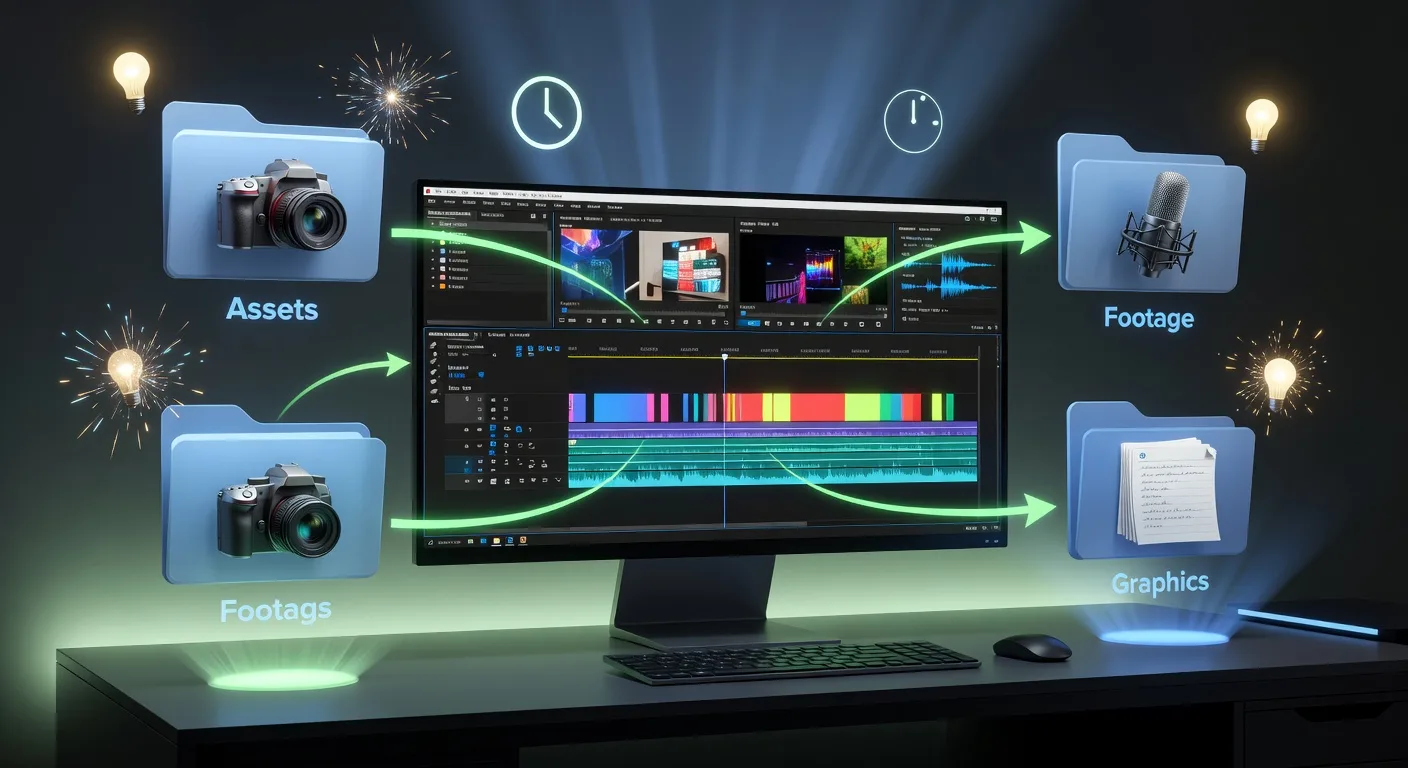
Gather all assets upfront—footage, audio, graphics—into organized folders. Use naming conventions like "Day1_RawFootage" to keep things tidy. This prep step cuts down on frantic searches later.
Essential Tools and Software Setup
Choose software that fits your style and budget. Free options like DaVinci Resolve offer pro-level features, while Adobe Premiere Pro shines for complex projects. Set up your workspace with dual monitors for multitasking: one for timeline, one for preview.
💡 Looking for professional Video Editing services? Check out our Fiverr gig to get started today!
Customize keyboard shortcuts to speed up repetitive tasks. For example, assign a key to "split clip" so you can edit faster without mouse clicks. This personalization turns editing into a smooth dance.
Step-by-Step Editing Process
Begin with rough cuts to assemble your story. Import footage, sync audio, and trim unnecessary bits. Then, layer in effects like color grading to enhance mood—think warm tones for a cozy cooking tutorial.
Add transitions and graphics thoughtfully; overuse can distract. For YouTubers, include end screens with calls to action to boost engagement.
Audio and Sound Design Magic
Audio elevates your video from good to great. Clean up background noise using noise reduction tools, then layer in music and voiceovers. Balance levels so dialogue shines without overpowering the track.
Experiment with sound effects for impact, like a whoosh for quick cuts in action videos. This attention to detail makes your content more immersive.
Review and Export for Perfection
Take breaks during editing to spot errors fresh-eyed. Play your video multiple times, checking for pacing and coherence. Get feedback from peers if possible.
Export in multiple formats: high-quality for YouTube, compressed for social media. Use settings like H.264 for web compatibility to ensure smooth uploads.
Quick Checklist for Your Workflow
- Outline video structure and gather all assets before editing
- Set up software with custom shortcuts and dual monitors
- Perform rough cuts and sync audio first
- Apply color grading and effects sparingly
- Balance and enhance audio layers
- Review for errors and get feedback
- Export in appropriate formats for different platforms
- Back up projects regularly to avoid data loss
Frequently Asked Questions
What's the best software for beginners? Start with DaVinci Resolve—it's free, powerful, and user-friendly for newcomers to video editing.
How long should editing take per video? It varies, but aim for 2-3 times the video length; a 10-minute clip might need 20-30 minutes of focused editing.
Can I edit on a budget laptop? Absolutely! Optimize settings by working in proxies—lower-resolution versions of footage—to keep things speedy.
How do I handle large file sizes? Use external drives for storage and cloud backups. Tools like Adobe Media Encoder help compress files efficiently.
What's a common workflow mistake? Skipping the planning phase leads to rewrites. Always storyboard your ideas first for smoother sailing.
Conclusion
Embracing a tailored video editing workflow empowers you to create content that captivates audiences. Start small, experiment, and refine as you go. Ready to level up? Check out our video editing services for professional help, or explore 3D product animation to add visual flair. Let's make your next project a masterpiece—happy editing!
(Word count: 900)
Ready to Get Started?
If you're looking for professional Video Editing services, I'm here to help! Visit my Fiverr profile to see my portfolio and place an order.
Turn this workflow into real deliverables
Browse production-ready 3D models for your next project, then step into 3d product animation if you need a custom build.