Top 5 3D Animation Tools Dominating YouTube Niches in 2026
Introduction
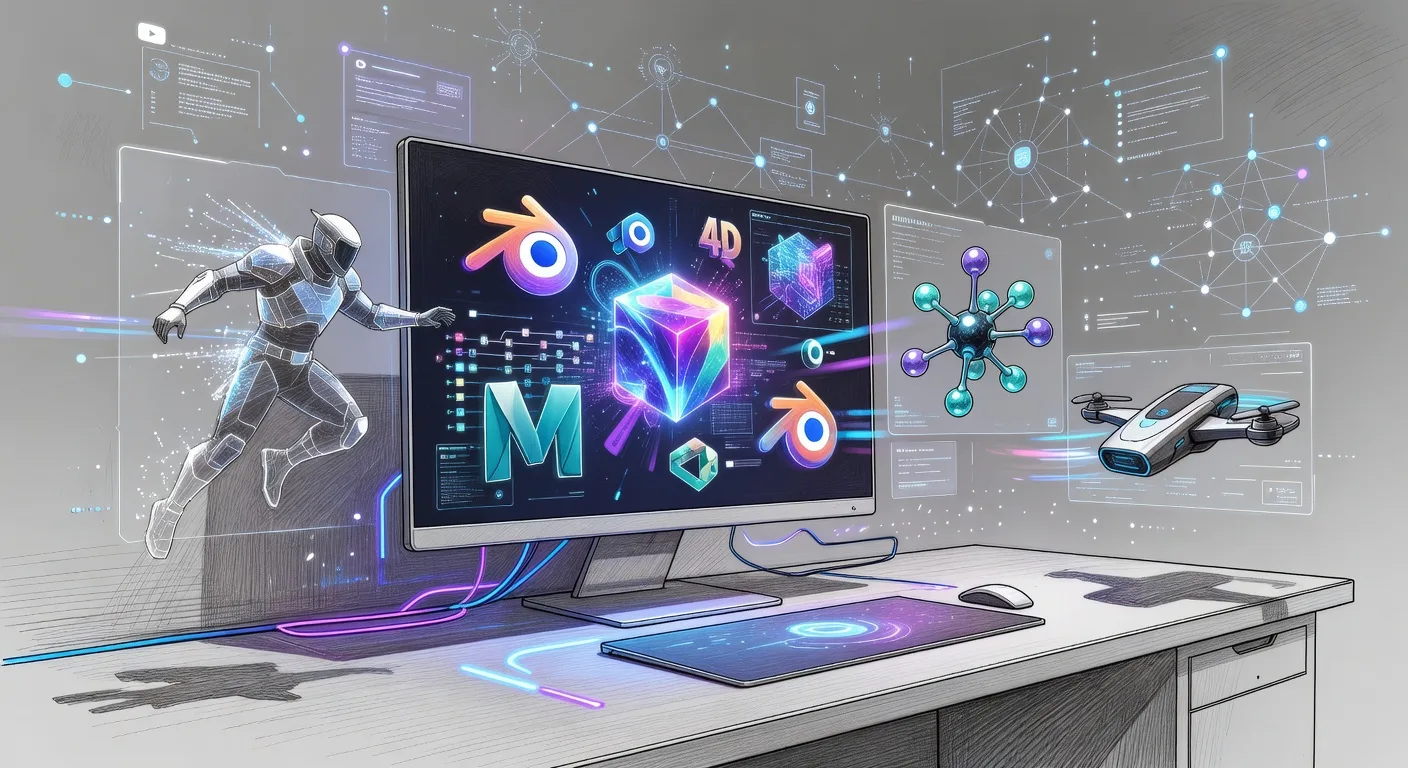
Hey there, fellow creators! If you're diving into YouTube niches like gaming walkthroughs, educational explainer videos, or stunning product showcases, 3D animation can be your secret weapon. Imagine bringing characters to life or visualizing complex ideas in ways that captivate viewers. In 2026, the right tools make this accessible, even for beginners. Let's explore five standout 3D animation tools that are shaking up YouTube content.
Why 3D Animation Matters for YouTube Niches
3D animation adds depth and dynamism to your videos, setting you apart in crowded niches. For instance, if you're in tech reviews, animate a gadget's internals to explain how it works. This visual flair boosts engagement and retention. Many YouTubers use it for storytelling, like animating historical events in educational channels. It's not just about looks; it's about making your message stick.
Top 5 3D Animation Tools
Blender: The Free Powerhouse
Blender stands out as a versatile, open-source tool perfect for budget-conscious YouTubers. Its robust modeling and rendering features let you create everything from simple objects to intricate scenes. Ideal for indie creators animating short clips for vlogs or tutorials. In 2026, its community-driven updates make it even more user-friendly, with tutorials tailored for YouTube workflows.
💡 Looking for professional Video Editing services? Check out our Fiverr gig to get started today!
Cinema 4D: Sleek and Professional
This tool shines for its intuitive interface, making it a favorite among video producers crafting polished animations. Use it to design motion graphics for channel intros or product demos. Its integration with Adobe suite streamlines workflows, saving time on YouTube edits. Creators in niches like fashion or cooking appreciate its ability to render lifelike textures quickly.
Maya: Industry-Standard Depth
Autodesk's Maya offers deep control for complex animations, ideal for gaming YouTubers simulating virtual worlds. Its advanced rigging and dynamics tools help animate characters with realistic movements. In educational niches, it excels at visualizing scientific concepts, like planetary orbits. While it has a learning curve, its 2026 updates include AI-assisted features for faster iterations.
Houdini: For Creative Explosions
Houdini's procedural approach is a game-changer for niche creators needing unique effects, like simulating particle systems for sci-fi videos. YouTubers in effects-heavy niches, such as horror or action, love its flexibility. It integrates well with other tools, allowing seamless exports for final YouTube edits. In 2026, its cloud-based enhancements make collaboration easier for team-based channels.
3ds Max: Architectural Marvels
This software excels in architectural visualizations, perfect for real estate or travel YouTubers showcasing properties or landmarks. Its detailed modeling capabilities bring structures to life with accurate lighting and shadows. For product animation niches, it handles complex assemblies effortlessly. The 2026 version includes improved VR support, enhancing immersive YouTube experiences.
Checklist: Getting Started with 3D Animation Tools
- Assess your niche needs, like whether you prioritize ease of use or advanced features.
- Test free trials or demos to feel the interface before committing.
- Check hardware requirements to ensure smooth performance on your setup.
- Explore tutorials specific to YouTube creation, focusing on export formats.
- Integrate with your editing software for seamless workflows.
- Start with simple projects to build confidence and skills.
- Join online communities for tips tailored to 2026 updates.
- Track your progress and iterate based on viewer feedback.
Frequently Asked Questions
What's the best 3D tool for beginners?
For newcomers, Blender offers a gentle entry with free resources, allowing you to experiment without cost.
How do these tools integrate with YouTube editing?
Most export in common formats like MP4, syncing easily with software like Adobe Premiere for final polishing.
Can I use these for mobile niches?
Absolutely, tools like Cinema 4D have mobile-friendly features, ideal for on-the-go creators adapting content.
Are there costs involved?
Blender is free, while others range from subscription fees; many offer student discounts for emerging YouTubers.
How long to learn a tool?
With dedication, basics take weeks; mastery comes with practice, especially through 2026's enhanced tutorials.
Conclusion
Embracing these 3D animation tools can transform your YouTube presence, making your niches more engaging and professional. Whether you're animating for fun or profit, start small and scale up. Ready to level up? Check out our 3D product animation services or custom logo animation to get professional help. Dive in and watch your channel soar in 2026!
Ready to Get Started?
If you're looking for professional Video Editing services, I'm here to help! Visit my Fiverr profile to see my portfolio and place an order.
Turn this workflow into real deliverables
Browse production-ready 3D assets for your next project, then step into 3d product animation if you need a custom build.