Top 5 Video Editing Hacks for Stunning 3D Animations in 2026
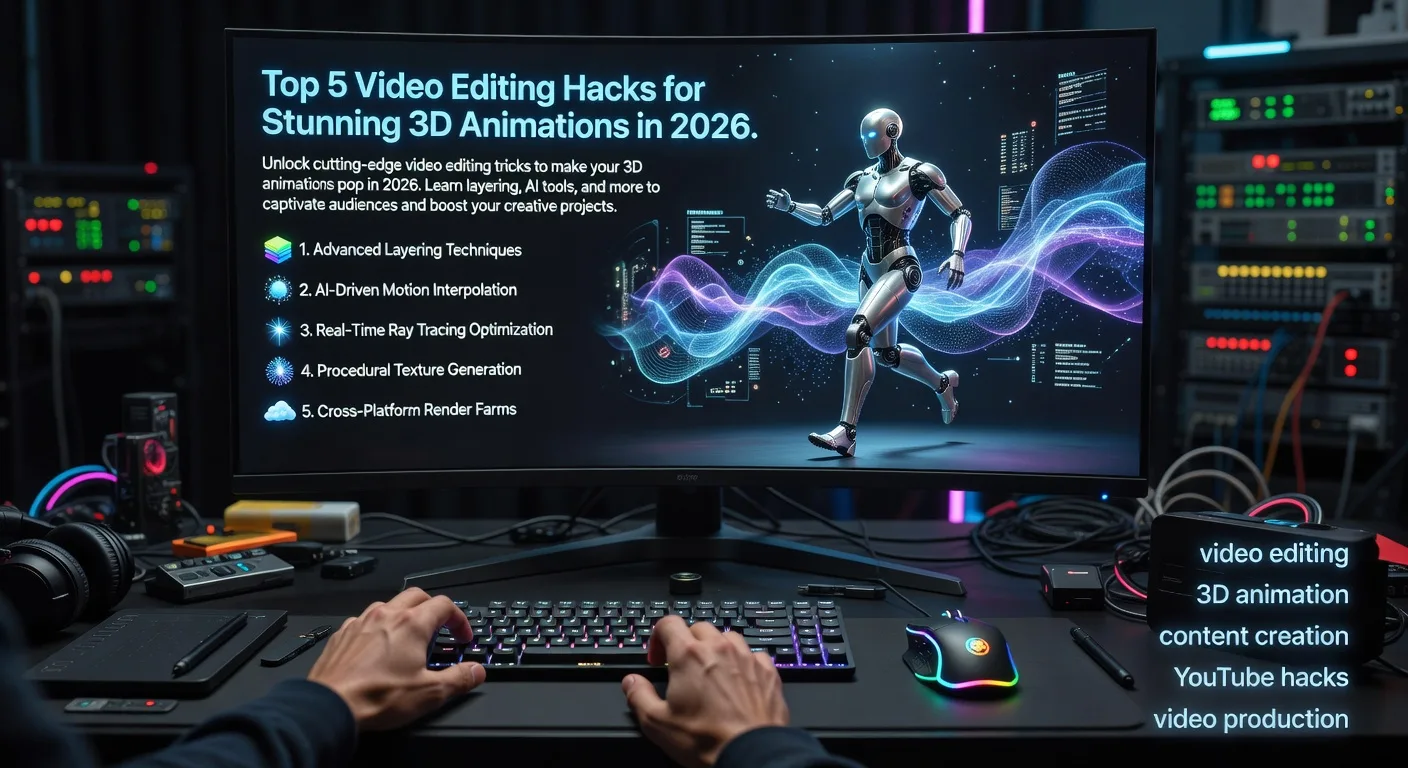
Introduction
Hey there, creative minds! If you're diving into the world of 3D animations in 2026, you're in for a treat. Video editing can turn a good animation into something absolutely mesmerizing. Today, I'm sharing five fresh hacks to supercharge your projects. Whether you're a YouTuber crafting epic vlogs or a producer building brand stories, these tips will help you stand out. Let's jump right in and explore how to elevate your 3D creations.
Hack 1: Layering Dynamic Effects for Depth
Start by thinking of your 3D animation as a canvas with endless layers. In 2026, editors are using advanced software to stack effects like particle systems and lighting simulations. Imagine a spaceship scene where you layer glowing trails behind the craft. This adds realism and draws viewers deeper into the story. Experiment with opacity sliders to blend elements seamlessly, creating a sense of movement that feels alive.
Hack 2: Integrating AI-Powered Color Grading
AI is revolutionizing how we tweak colors in 2026. Instead of manual adjustments, use AI tools to analyze your 3D model's hues and suggest mood-enhancing palettes. For instance, if your animation features a fantasy landscape, the AI might recommend earthy tones for immersion. This hack saves time and ensures consistency across frames. Try it on a product demo to make materials shine authentically, boosting viewer engagement.
Hack 3: Synchronizing Audio with Motion
💡 Looking for professional Video Editing services? Check out our Fiverr gig to get started today!
Sound can make or break your 3D animation. In 2026, sync audio cues precisely with movements using waveform editors. Picture a character leaping; pair it with a whoosh sound that matches the jump's arc. This creates an immersive experience that feels natural. For YouTubers, this means turning tutorials into captivating adventures. Always test sync in preview mode to catch any lags.
Hack 4: Utilizing Keyframe Animation Blending
Keyframe blending lets you smoothly transition between poses in 3D models. In 2026, advanced editors allow easy manipulation of these points for fluid animations. Think of animating a robot assembling itself—blend keyframes to show gradual transformations. This technique prevents jerky motions and adds polish. It's perfect for explainers, where clarity meets creativity.
Hack 5: Optimizing for Multi-Platform Sharing
With viewers on various devices in 2026, optimize your 3D edits for adaptability. Compress files without losing quality using adaptive rendering. For example, a mobile ad animation should look sharp on small screens. Export in multiple formats to suit YouTube, TikTok, or social platforms. This hack ensures your work reaches more eyes effectively.
Quick Checklist for Implementing These Hacks
- Review your 3D model for layerable elements and plan dynamic effects.
- Select an AI color grading tool and test it on a sample scene.
- Record or source audio, then sync it frame-by-frame with motions.
- Set keyframes at critical points and blend them for smooth transitions.
- Render versions for different platforms and check playback quality.
- Practice with free software trials before committing to projects.
- Collaborate with peers for feedback on depth and immersion.
Frequently Asked Questions
What's the best software for these hacks in 2026?
Popular choices include updated versions of Blender or Adobe After Effects with AI plugins. They offer intuitive interfaces for layering and syncing, making them accessible for beginners and pros alike.
How can these hacks benefit YouTubers?
YouTubers can use them to create viral content, like animated reviews or tutorials, that keep viewers hooked longer. The depth from effects and smooth audio boosts watch time and shares.
Are these techniques suitable for beginners?
Absolutely! Start small with one hack at a time. Many tools have tutorials, so you can build skills gradually without feeling overwhelmed.
What if my 3D animation is complex?
Break it into segments. Apply hacks per part, like syncing audio first, then layering effects. This modular approach simplifies even intricate projects.
How do I measure success with these hacks?
Track metrics like viewer retention or engagement rates. If your animations see more comments or shares, you're on the right path—refine as you go.
Conclusion
There you have it—five game-changing hacks to make your 3D animations shine in 2026. By layering effects, using AI, syncing audio, blending keyframes, and optimizing for sharing, you'll create content that captivates and converts. Ready to level up? Check out our video editing services or explore 3D product animation for expert help. Dive in today and watch your creations soar!
(Word count: 900)
Ready to Get Started?
If you're looking for professional Video Editing services, I'm here to help! Visit my Fiverr profile to see my portfolio and place an order.
Turn this workflow into real deliverables
Browse production-ready 3D assets for your next project, then step into 3d product animation if you need a custom build.