Top 9 Video Editing Techniques for Standout TikTok & Reels in 2026
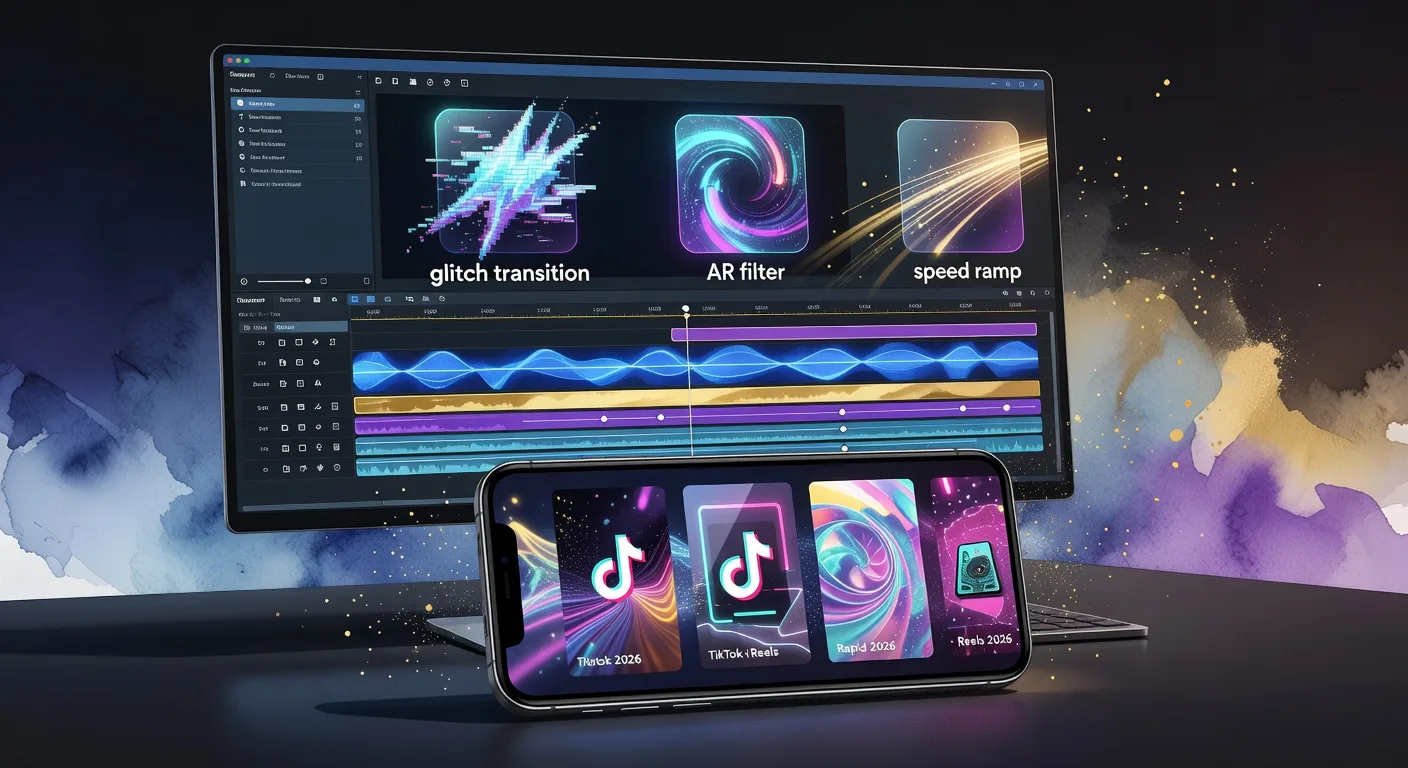
Introduction
Ready to make your TikTok and Reels pop in 2026? With short-form video dominating social feeds, standing out is tougher than ever. But the right editing techniques can transform your content from forgettable to viral. Whether you’re a content creator, YouTuber, or video producer, mastering these nine techniques will help you craft scroll-stopping videos that keep viewers hooked.
1. Dynamic Jump Cuts
Jump cuts are a staple for fast-paced content. By trimming out pauses or unnecessary moments, you keep the energy high and the story moving. For example, cut between different angles or scenes to create a sense of urgency or humor. This technique is perfect for tutorials, comedy skits, or storytelling.
2. Seamless Transitions
Transitions are more than just moving from one clip to another—they’re an opportunity to impress. In 2026, creators are using whip pans, match cuts, and even custom animated transitions to keep viewers engaged. Try matching the motion or color between scenes for a smooth, professional look. Need help? Our video editing services can craft custom transitions tailored to your brand.
3. Text Animation & Captions
💡 Looking for professional Video Editing services? Check out our Fiverr gig to get started today!
Animated text isn’t just eye-catching—it’s essential for accessibility and engagement. Use bold, kinetic typography to highlight key points or add context. Captions ensure your message lands even when the sound is off. Experiment with animated fonts, pop-up effects, and creative placement to match your video’s vibe.
4. Sound Design & Audio Effects
Great audio can elevate your video instantly. Layer background music, sound effects, and voiceovers to create atmosphere and emotion. Sync sound effects with visual actions for added impact. For example, a swoosh sound during a transition or a pop when text appears can make your edits feel polished and intentional.
5. Speed Ramping
Speed ramping—changing the speed of your footage—adds drama and focus. Slow down key moments for emphasis or speed up repetitive actions to keep things snappy. This technique is especially effective for dance videos, sports highlights, or product reveals. Combine with creative cuts for maximum effect.
6. Color Grading for Mood
Color grading sets the tone of your video. Use warm tones for a cozy feel or cool hues for a modern, sleek look. In 2026, bold color palettes and cinematic grading are trending. Experiment with LUTs or manual adjustments to make your content visually cohesive. Our video editing experts can help you develop a signature style.
7. Creative Overlays & Graphics
Add personality with overlays like stickers, emojis, or animated graphics. These elements can highlight reactions, emphasize points, or simply add fun. For product videos, try integrating 3D elements—our 3D product animation service can help you stand out with custom visuals.
8. Split Screens & Picture-in-Picture
Show multiple perspectives at once with split screens or picture-in-picture effects. This is great for reaction videos, tutorials, or comparisons. Use clean borders and consistent layouts to avoid clutter. It’s a powerful way to tell more complex stories in a short format.
9. Looping & Seamless Endings
A perfectly looped video encourages repeat views and boosts engagement. Plan your shots and edits so the ending flows naturally back to the beginning. This technique is especially effective for dance, animation, or visual effects videos. Practice timing and transitions to make your loops flawless.
Quick Checklist
- Plan your edits before filming for smoother results
- Use jump cuts to maintain energy
- Add animated text and captions for clarity
- Layer sound effects and music for depth
- Experiment with speed ramping for emphasis
- Apply consistent color grading
- Incorporate overlays and graphics
- Try split screens for multiple angles
- Design seamless loops for higher retention
FAQ
Q1: What’s the best editing app for TikTok and Reels in 2026? A: Popular choices include CapCut, Adobe Premiere Rush, and InShot. Each offers unique features for mobile editing.
Q2: How long should my TikTok or Reel be? A: Aim for 15-30 seconds to maximize engagement, but always prioritize quality over length.
Q3: Do I need professional software to use these techniques? A: Not necessarily! Many mobile apps now support advanced features like speed ramping and animated text.
Q4: How can I make my videos look more professional? A: Focus on clean cuts, consistent color grading, and high-quality audio. Consider working with a video editing specialist for advanced projects.
Q5: Can I add 3D elements to my TikTok videos? A: Absolutely! Services like 3D product animation can help you integrate eye-catching 3D visuals.
Conclusion
Mastering these nine video editing techniques will set your TikTok and Reels apart in 2026. Whether you’re aiming for viral fame or building your brand, creative editing is your secret weapon. Ready to elevate your content? Explore our video editing services or discover how custom logo animation can boost your visual identity. Start editing smarter and watch your engagement soar!
Ready to Get Started?
If you're looking for professional Video Editing services, I'm here to help! Visit my Fiverr profile to see my portfolio and place an order.
Turn this workflow into real deliverables
Browse production-ready 3D assets for your next project, then step into 3d modeling if you need a custom build.