The Ultimate Guide to Military 3D Explainers for Training & Presentations
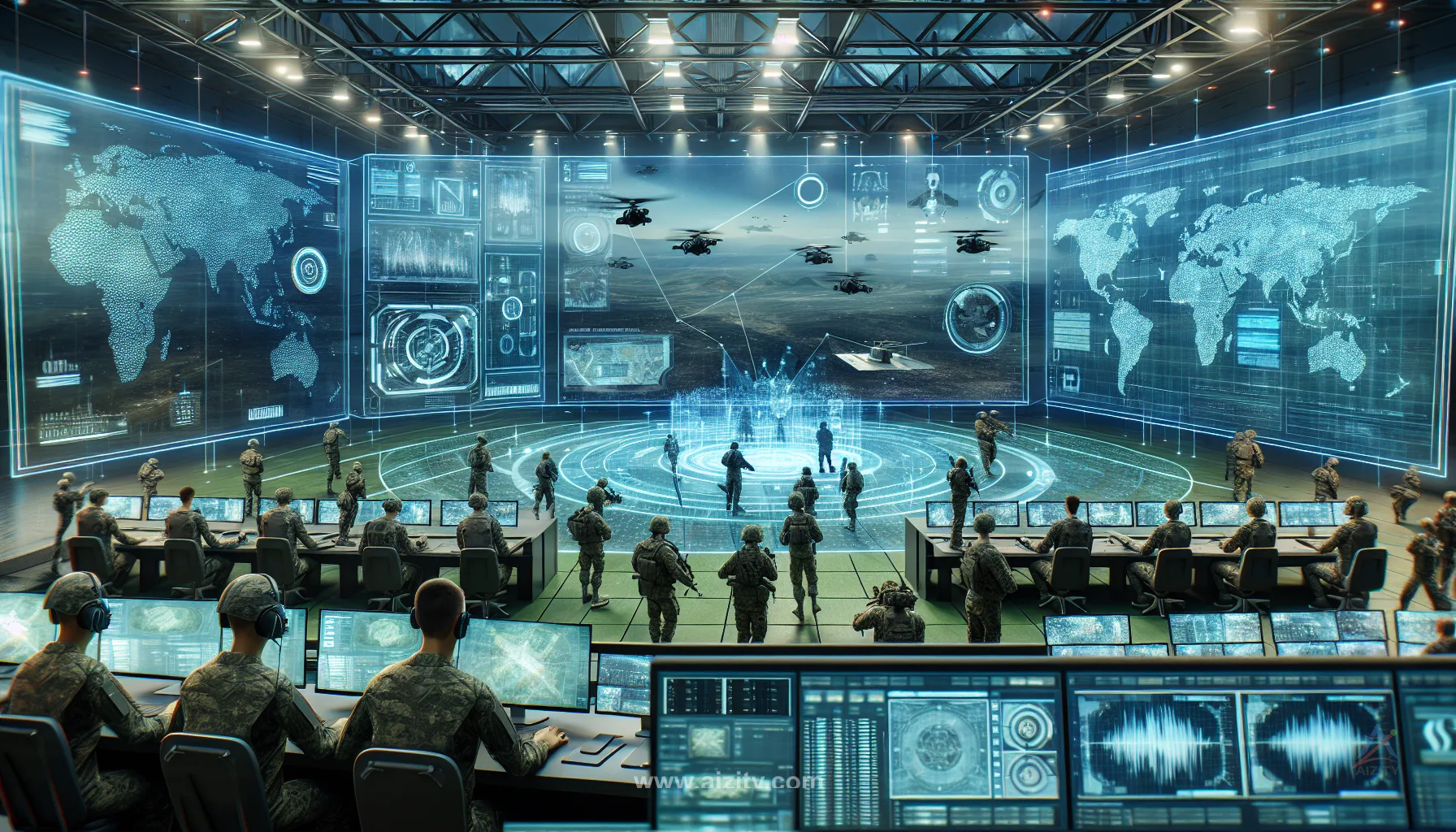
The Ultimate Guide to Military 3D Explainers for Training & Presentations
Ready to supercharge your military training or presentations? Military 3D explainers are the secret weapon for small business owners and entrepreneurs looking to make complex concepts crystal clear. Whether you’re briefing a team, pitching a product, or training recruits, these dynamic visuals can transform your message from bland to unforgettable. Let’s dive into actionable tips that will help you harness the full power of 3D explainers for your next mission!
1. Define Your Mission Objective
Before you start, pinpoint exactly what you want to achieve. Are you demonstrating equipment, explaining a tactical maneuver, or onboarding new staff? Clear objectives keep your 3D explainer focused and effective.
- Example: If you’re showcasing a new drone, highlight its unique features and operational benefits.
2. Choose the Right Animation Style
Not all 3D animations are created equal. Decide if you need photorealistic renders, stylized graphics, or technical cutaways. The right style ensures your message resonates with your audience and matches your brand identity.
- For technical training, opt for detailed, accurate models. For presentations, a more stylized approach may engage viewers better.
3. Keep It Short and Impactful
💡 Looking for professional Military 3D Explainer services? Check out our Fiverr gig to get started today!
Attention spans are short—especially in high-stakes environments. Aim for concise, punchy videos that deliver key information quickly. Break down complex topics into bite-sized segments for maximum retention.
- Use video editing techniques to trim the fat and keep your content sharp.
4. Integrate Real-World Scenarios
Ground your 3D explainer in real-life use cases. Show how equipment or tactics work in the field, not just in theory. This boosts credibility and helps viewers visualize practical applications.
- Example: Animate a rescue operation using your product to highlight its advantages.
5. Leverage Interactive Elements
Interactive 3D models or clickable hotspots can turn passive viewers into active participants. This is especially useful for training modules or product demos.
- Consider 3D product animation for hands-on learning experiences.
6. Collaborate with Subject Matter Experts
Work closely with military professionals or technical experts to ensure accuracy. Their insights will help you avoid costly mistakes and create content that truly educates.
- Schedule regular feedback sessions during production.
7. Optimize for Multiple Platforms
Your audience might view your explainer on laptops, tablets, or even VR headsets. Make sure your animation is compatible across devices and platforms for maximum reach.
- Export in various formats and test playback quality everywhere.
8. Use Professional Voiceovers and Sound Design
A compelling voiceover and immersive sound effects can elevate your 3D explainer from good to great. Invest in quality audio to keep your audience engaged and reinforce your message.
- Sync narration with on-screen action for clarity.
9. Measure Impact and Iterate
After launch, track viewer engagement and feedback. Use analytics to identify what works and what needs tweaking. Continuous improvement ensures your explainers stay relevant and effective.
- Update your content regularly based on user input.
Quick Checklist
- Define your training or presentation goal
- Select the best 3D animation style
- Keep videos concise and focused
- Incorporate real-world scenarios
- Add interactive elements where possible
- Consult with subject matter experts
- Ensure cross-platform compatibility
- Invest in professional audio
FAQ
Q1: What makes military 3D explainers different from regular animations? A: Military 3D explainers focus on technical accuracy, real-world scenarios, and often require secure, detailed modeling to meet industry standards.
Q2: How long should a military 3D explainer be? A: Aim for 2-4 minutes. Shorter videos are more effective for training and presentations, keeping viewers engaged and information digestible.
Q3: Can I update my 3D explainer as technology evolves? A: Absolutely! Modular design and video editing make it easy to refresh content as your needs change.
Q4: What’s the best way to get started? A: Start by outlining your objectives, then consult a military 3D explainer specialist to bring your vision to life.
Conclusion
Military 3D explainers are game-changers for training and presentations. By following these tips, you’ll create content that’s clear, engaging, and impactful. Ready to elevate your next project? Explore our military 3D explainer and 3D modeling services to get started today!
Ready to Get Started?
If you're looking for professional Military 3D Explainer services, I'm here to help! Visit my Fiverr profile to see my portfolio and place an order.
Turn this workflow into real deliverables
Browse production-ready 3D assets for your next project, then step into military 3d explainer if you need a custom build.