Bringing World War Stories to Life: Video Editing for Creators
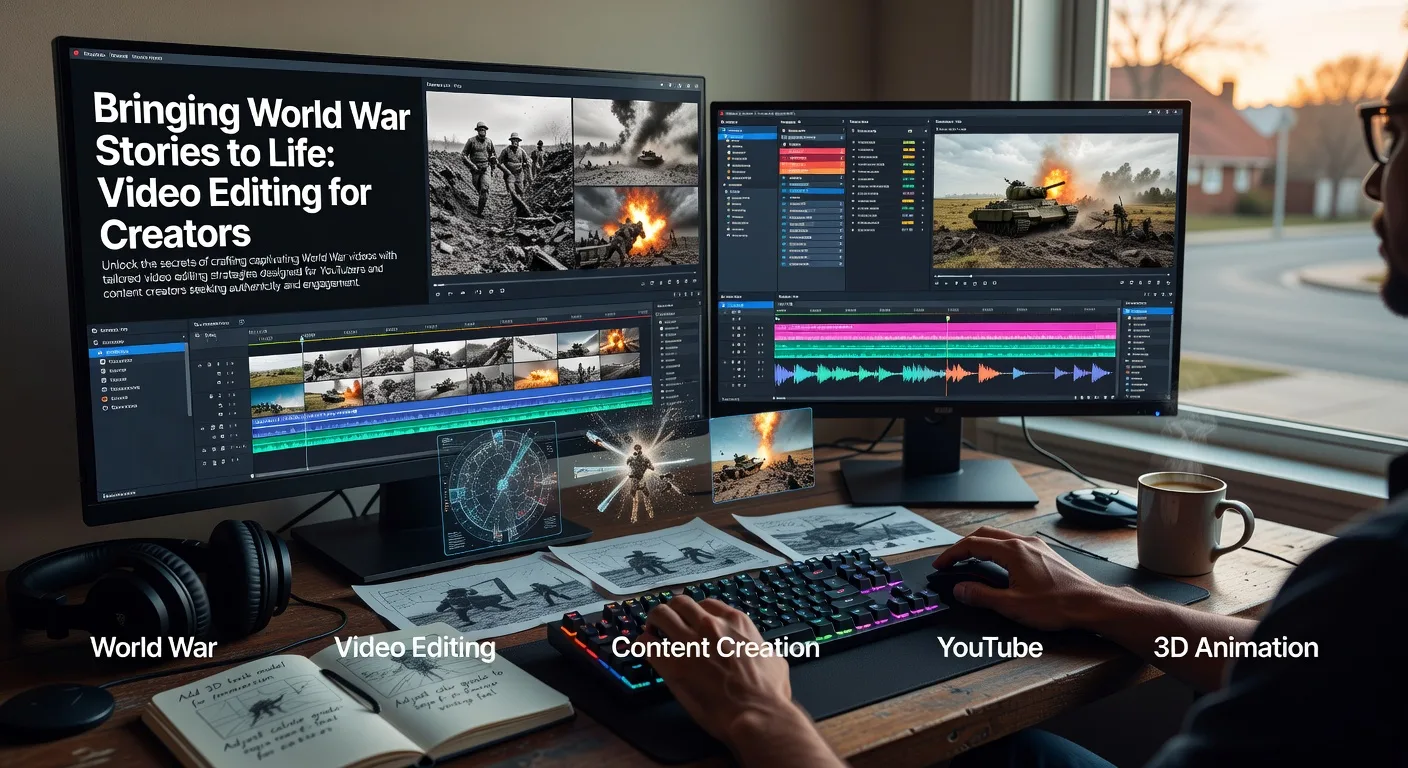
Hook: Why WW Videos Captivate Modern Audiences
Ever wondered how a simple video can transport viewers back to the trenches of history? World War content has exploded on platforms like YouTube, drawing in millions who crave authentic stories. As a content creator, mastering video editing lets you turn raw footage into gripping narratives that educate and entertain. Let's dive into how you can elevate your WW videos to new heights.
The Power of Historical Accuracy in WW Editing
Authenticity reigns supreme in WW videos. When editing, prioritize sourcing verified historical clips to avoid misinformation. Use color grading to match the era's film quality, adding a gritty, immersive feel. For instance, YouTubers documenting D-Day landings often layer in period-appropriate sound effects. This builds trust with viewers and sets your channel apart from sensationalized content.
Sourcing Reliable Footage
Hunt for archives from museums or licensed libraries. Blend this with your own reenactments for a dynamic mix. Always credit sources to maintain credibility.
Enhancing Emotional Impact
Slow-motion sequences during key battles can heighten tension. Pair them with subtle music cues to evoke empathy. Content producers have seen engagement soar by focusing on personal stories within larger conflicts.
Innovative Techniques for Engaging WW Content
💡 Looking for professional Video Editing services? Check out our Fiverr gig to get started today!
Gone are the days of static storytelling. Incorporate dynamic cuts and transitions to keep viewers hooked. Split-screen effects work wonders for comparing timelines, like pre-war and post-war scenes. Video producers experimenting with these have reported higher watch times.
Storyboarding for Clarity
Outline your narrative before editing. Map out scenes to ensure a logical flow, preventing viewer confusion. This technique helps YouTubers structure hour-long documentaries effectively.
Adding Interactive Elements
Embed clickable timelines or annotations for deeper dives. This turns passive watching into an interactive experience, perfect for educational WW content.
Leveraging 3D Animation in WW Videos
3D animation brings abstract concepts to life. For battles, animate troop movements or weapon mechanics to clarify complex strategies. YouTubers using this have seen subscriptions grow, as it makes dense history accessible.
Customizing for Your Audience
Tailor animations to your niche, whether it's naval warfare or aerial combat. Collaborate with experts to ensure historical precision.
Integrating with Live Footage
Blend 3D elements seamlessly with real clips. This hybrid approach adds visual flair without overwhelming the narrative.
Tools and Resources for WW Video Editing
Equip yourself with user-friendly software like Adobe Premiere or DaVinci Resolve. These offer plugins for historical effects. Free tutorials abound, but investing in 3D modeling services can provide custom assets for your projects.
Free vs. Paid Options
Start with free tools for basics, then upgrade for advanced features. Many creators find the initial learning curve worth it for professional results.
Community Support
Join forums for WW enthusiasts. Share edits for feedback, fostering a collaborative environment.
Quick Checklist for WW Video Editing
- Research and verify all historical facts before starting edits.
- Gather a mix of archival footage, reenactments, and original shots.
- Create a detailed storyboard outlining the video's structure.
- Apply color correction to match the era's visual style.
- Incorporate 3D animations for complex scenes or explanations.
- Add engaging soundtracks and sound effects for immersion.
- Test for pacing; aim for a balance of action and reflection.
- Include annotations or links for further reading to boost interactivity.
Frequently Asked Questions
What software is best for editing WW videos? Start with Adobe Premiere for its robust features; it's intuitive for beginners and powerful for pros. Pair it with free alternatives like HitFilm for basic animations.
How can I make my WW content stand out? Focus on unique angles, like untold stories or modern parallels. Use custom logo animation to brand your intros creatively.
Is 3D animation necessary for WW videos? Not always, but it enhances understanding of battles. Check out our military 3D explainer services for tailored help.
How do I handle sensitive topics? Approach with respect; include trigger warnings and consult experts. Balance education with sensitivity to avoid alienating viewers.
Where can I find WW footage? Public domain archives and licensed sites like Getty Images. Always ensure permissions to steer clear of copyright issues.
Conclusion: Elevate Your WW Videos Today
WW content offers endless potential for creators willing to blend history with modern editing prowess. By applying these tips, you'll craft videos that resonate deeply. Ready to transform your ideas? Explore our video editing services and start your next project. Let's make history come alive!
(Word count: 900)
Ready to Get Started?
If you're looking for professional Video Editing services, I'm here to help! Visit my Fiverr profile to see my portfolio and place an order.
Turn this workflow into real deliverables
Browse production-ready 3D assets for your next project, then step into 3d modeling if you need a custom build.