Master Your Video Editing Workflow in 2026
Introduction
Hey there, fellow creators! Ever feel like your video editing process is a chaotic mess? You're not alone. In 2026, mastering an efficient workflow can turn your raw footage into polished gems without the stress. Let's dive into a friendly guide to streamline your editing game.
Understanding the Basics of a Video Workflow
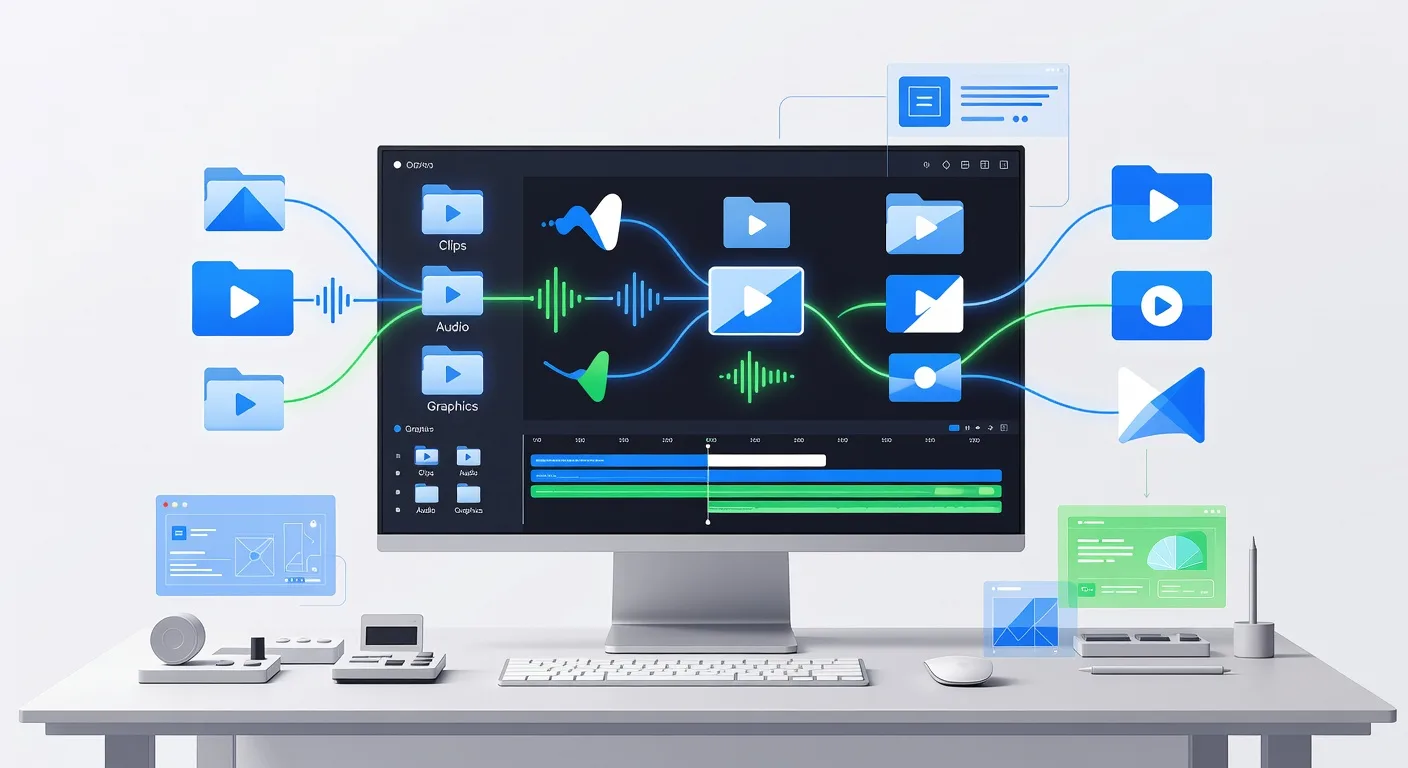
A solid workflow starts with organization. Gather all your assets—clips, audio, and graphics—before jumping into editing software. This prevents mid-project scrambles. For instance, if you're a YouTuber editing a vlog, label your files clearly to avoid confusion.
Think of it as building a house: lay the foundation first. Use folders to categorize elements, ensuring everything is accessible. This habit saves time and reduces errors, letting you focus on creativity rather than logistics.
Essential Tools for Streamlined Editing
Choose tools that fit your style. Popular options like Adobe Premiere Pro or DaVinci Resolve offer powerful features for pros. But don't overlook freebies like HitFilm Express for beginners. Integrate plugins for color grading to enhance your videos visually.
💡 Looking for professional Video Editing services? Check out our Fiverr gig to get started today!
For 3D elements, consider 3D modeling services to add depth. Whether you're animating a product demo or a logo, these tools integrate seamlessly into your workflow. Experiment with keyboard shortcuts to speed up tasks—it's a game-changer for quick edits.
Step-by-Step Editing Process
Begin with rough cuts. Import footage and trim unnecessary parts, creating a basic sequence. Add transitions smoothly to maintain viewer engagement. Then, layer in audio—sync dialogue and background music precisely.
Next, apply effects. Use color correction to match tones across shots. For complex projects, like military explainers, link to 3D explainer services for dynamic visuals. Export in multiple formats to test playback on different devices.
Optimizing for Different Platforms
Tailor your workflow for platforms like YouTube or TikTok. YouTube favors longer, detailed edits, while TikTok needs snappy, mobile-friendly versions. Adjust aspect ratios accordingly—16:9 for web, 9:16 for stories.
Incorporate analytics feedback. Review watch time data to refine future edits. If you're producing explainer videos, blend in custom logo animations to boost brand recall. This platform-specific approach maximizes reach.
Quick Checklist for Your Video Editing Workflow
- Organize project files into labeled folders before starting
- Select editing software that matches your skill level and project needs
- Perform a rough cut to eliminate excess footage early
- Sync audio tracks carefully for natural flow
- Apply color grading and effects to enhance visual appeal
- Test exports on various devices to ensure compatibility
- Review and incorporate viewer feedback for improvements
- Back up your project files regularly to avoid data loss
Frequently Asked Questions
What if I'm new to video editing?
Start simple with free tutorials and basic tools. Practice on short clips to build confidence. Over time, you'll develop your unique workflow.
How can I speed up my editing process?
Use templates for common elements and learn keyboard shortcuts. Batch process similar tasks to cut down on repetitive work.
Is 3D animation part of a standard workflow?
Not always, but for advanced projects, integrate 3D product animation to add wow factor. It fits seamlessly into editing software.
What about collaboration in workflows?
Use cloud-based tools for team edits. Share project links and set clear roles to keep things efficient.
How do I handle large video files?
Optimize storage with external drives and compress files during export. This prevents slowdowns and ensures smooth playback.
Conclusion
Wrapping up, a well-honed video editing workflow transforms chaos into creativity. Start implementing these tips today and watch your content shine. Ready to elevate your skills? Explore our video editing services for expert help. Let's create something amazing together!
Ready to Get Started?
If you're looking for professional Video Editing services, I'm here to help! Visit my Fiverr profile to see my portfolio and place an order.
Turn this workflow into real deliverables
Browse production-ready 3D assets for your next project, then step into 3d product animation if you need a custom build.