Mastering Video Editing: Essential Tips for Content Creators in 2026
Introduction
Hey there, fellow creators! If you're diving into the world of video editing in 2026, you're in for an exciting ride. With tools getting smarter and audiences demanding more, mastering the basics can turn your raw footage into polished gems. Let's explore how to level up your skills without the overwhelm.
Choosing the Right Tools
Picking the perfect editing software sets the foundation for your projects. For starters, consider user-friendly options like Adobe Premiere Pro or DaVinci Resolve, which offer powerful features without steep learning curves. Think about your workflow—do you need cloud-based collaboration or offline capabilities? If you're just starting, free alternatives like HitFilm Express can help you experiment without commitment.
💡 Looking for professional Video Editing services? Check out our Fiverr gig to get started today!
Building a Solid Workflow
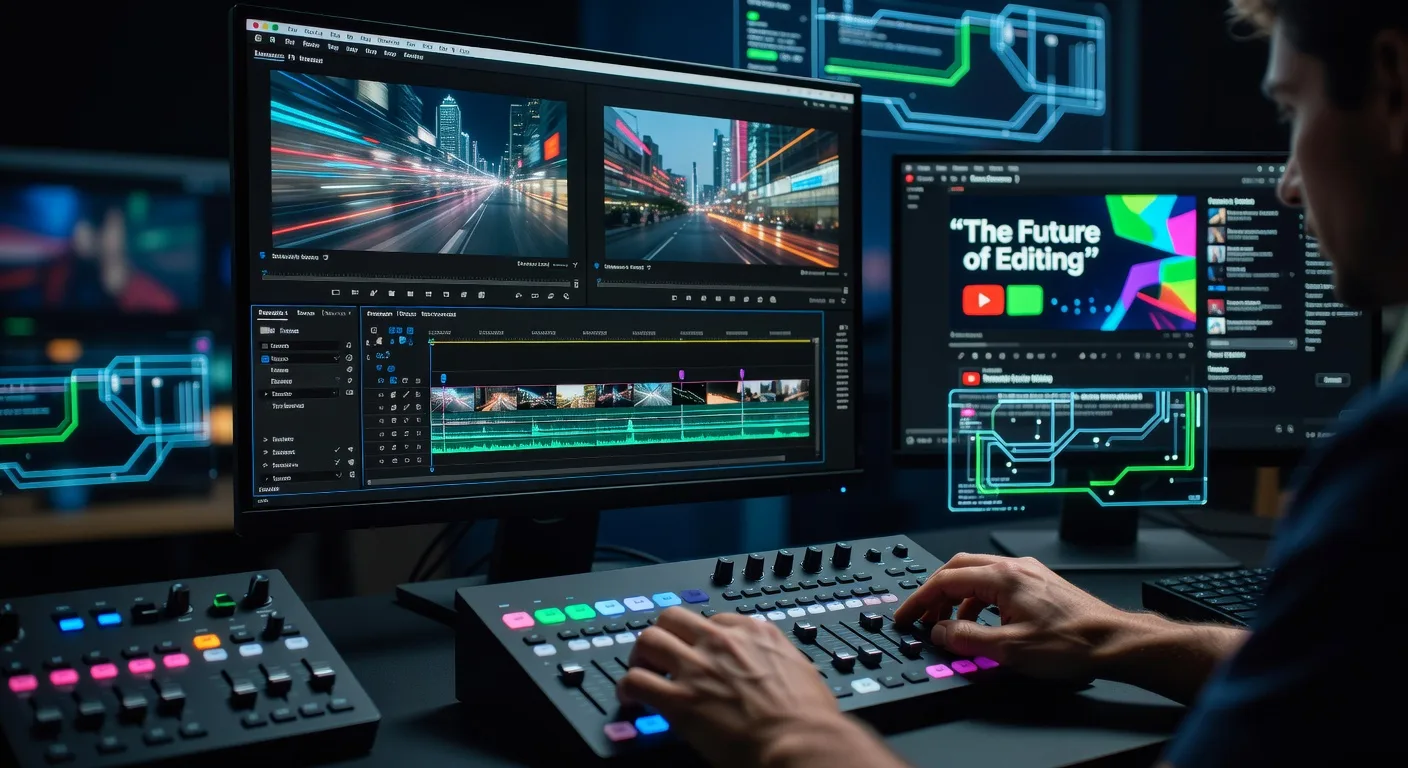
A streamlined workflow saves time and reduces frustration. Begin by organizing your footage into folders, then import and log your clips. Use color correction to make visuals pop, and add transitions sparingly to keep things dynamic. For YouTubers, focus on pacing to maintain viewer engagement throughout the video.
Enhancing Audio Quality
Audio often gets overlooked, but it's crucial for professional results. Record clear narration or dialogue, then layer in background music that complements your theme. Tools like Adobe Audition let you remove noise and balance levels. Remember, syncing audio with visuals creates a seamless experience that keeps viewers hooked.
Incorporating Effects and Graphics
Adding flair with effects can make your videos stand out. Experiment with motion graphics for intros or call-to-action overlays. For product demos, integrate simple animations to highlight features. Just avoid overdoing it—subtlety keeps the focus on your message.
Quick Checklist
- Organize footage into labeled folders before editing
- Test color grading on a sample clip for consistency
- Sync audio tracks with video timelines precisely
- Add captions for accessibility and broader reach
- Export in multiple formats like MP4 and WebM
- Review playback on different devices for quality
- Backup projects regularly to avoid data loss
- Time your edits to match your target video length
Frequently Asked Questions
What software is best for beginners?
Start with free tools like DaVinci Resolve; they're intuitive and grow with you. As you advance, explore paid options for advanced features.
How do I fix shaky footage?
Use stabilization plugins in your editor to smooth out camera movements. For best results, combine with steady shooting techniques.
Can I edit videos on mobile devices?
Absolutely—apps like InShot or KineMaster offer powerful mobile editing. They're great for quick tweaks while on the go.
What's the key to engaging thumbnails?
Keep them bright and text-heavy with clear hooks. Use tools like Canva to design eye-catching ones that boost click-through rates.
Conclusion
Video editing in 2026 is all about creativity and efficiency. By honing these skills, you'll produce content that resonates with your audience. Ready to get started? Check out our video editing services for professional support, or explore 3D product animation to add visual magic to your projects. Let's make your videos unforgettable!
Ready to Get Started?
If you're looking for professional Video Editing services, I'm here to help! Visit my Fiverr profile to see my portfolio and place an order.
Turn this workflow into real deliverables
Browse production-ready 3D assets for your next project, then step into 3d product animation if you need a custom build.