Mastering Video Editing Workflow for Content Creators
Introduction
Hey there, fellow creators! If you're knee-deep in clips, scripts, and endless revisions, you're not alone. Video editing can feel overwhelming, but a solid workflow turns chaos into captivating content. In this post, we'll break down a practical approach to streamline your process, helping YouTubers and producers deliver polished videos faster. Let's dive in and make editing your superpower.
Planning Your Video Edit
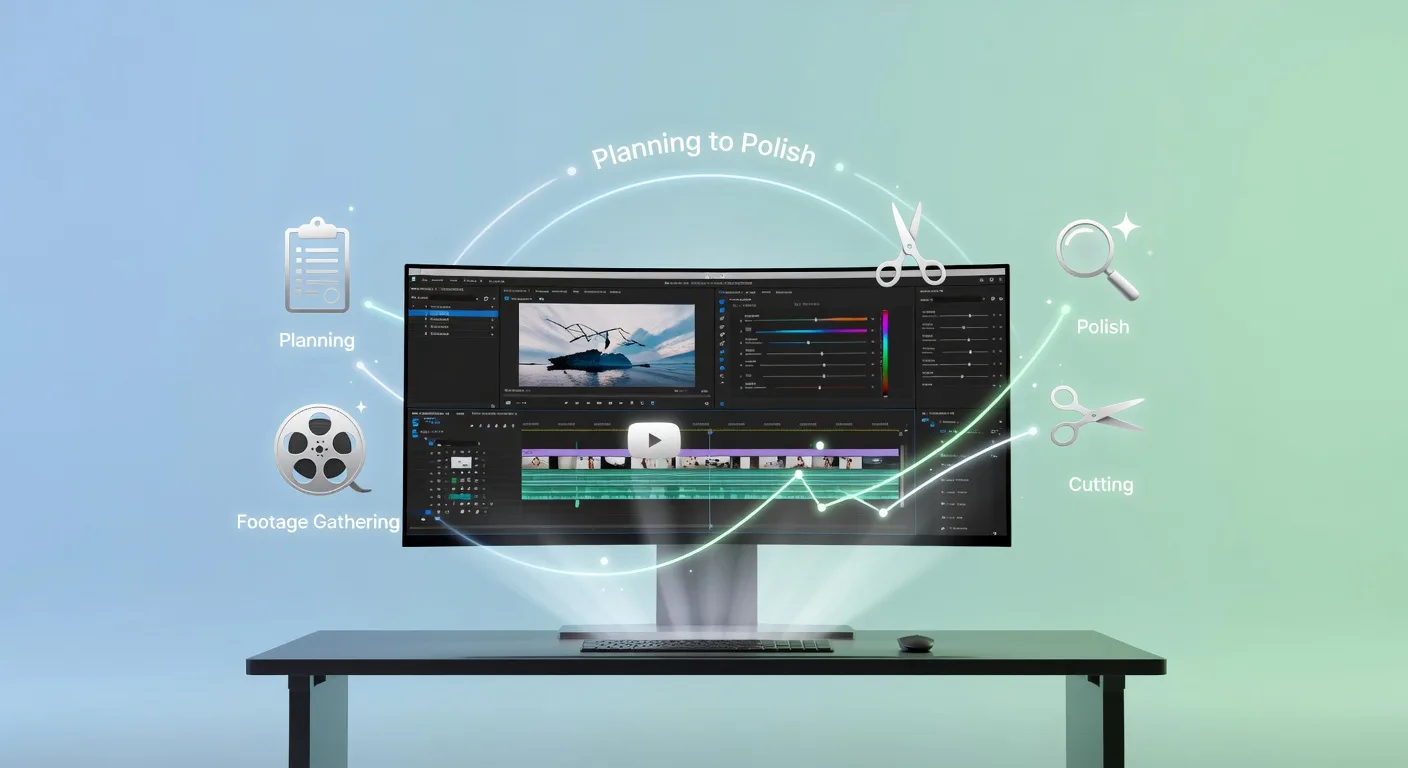
Start with a clear plan to avoid mid-edit meltdowns. Outline your video's structure: intro, main content, and outro. Gather all raw footage, audio, and assets upfront. For instance, if you're a YouTuber reviewing tech gadgets, list key points and visuals needed. This prep phase saves hours later, ensuring your edit flows logically and engages viewers right away.
Choosing the Right Tools
Not all software suits every creator. Beginners might opt for user-friendly options like CapCut or iMovie, while pros lean toward Adobe Premiere Pro for advanced features. Consider your needs—do you need 3D elements? Check out our 3D product animation services for eye-catching visuals. Pair tools with hardware like a decent graphics card to handle heavy files. Test a few to find what clicks with your style.
💡 Looking for professional Video Editing services? Check out our Fiverr gig to get started today!
Editing Techniques That Shine
Focus on pacing to keep viewers hooked. Cut unnecessary bits to maintain rhythm, and use transitions sparingly for natural flow. Add effects like color grading to enhance mood—think warm tones for tutorials or cool blues for sci-fi explainers. For military-themed videos, our military 3D explainer services can bring concepts to life. Experiment with audio syncing to amplify impact, turning raw takes into professional narratives.
Post-Edit Refinement
Once the core edit is done, refine with feedback. Watch on different devices to spot issues, then export in multiple formats for platforms like YouTube or TikTok. Compress wisely to balance quality and load times. If your brand needs a logo animation, explore our custom logo animation services to add flair. This step polishes your work, making it ready for audience applause.
Quick Checklist for Efficient Video Editing
- Organize raw files into folders by date and type for easy access.
- Create a storyboard sketch before opening software to guide your edit.
- Backup projects regularly to prevent data loss.
- Use keyboard shortcuts to speed up repetitive tasks like trimming.
- Review audio levels to ensure clear dialogue without background noise.
- Test exports on various devices for compatibility.
- Incorporate feedback from a trusted peer for fresh perspectives.
- Schedule breaks to avoid burnout and maintain creativity.
Frequently Asked Questions
What if I'm new to video editing?
Begin with free tutorials and simple tools. Practice on short clips to build confidence. Our video editing services can handle complex projects while you learn.
How do I handle large file sizes?
Use external drives for storage and optimize settings in your software. For 3D-heavy edits, consider our 3D modeling services to reduce processing load.
What's the best way to collaborate remotely?
Share projects via cloud platforms and use tools like Frame.io for feedback. This keeps teams aligned without in-person meetings.
How can I make my videos stand out?
Experiment with unique effects and storytelling. Pair with website elements via our website landing page development for full branding.
Is there a way to automate parts of editing?
Yes, use AI plugins for tasks like color correction. Combine with manual tweaks for the best results.
Conclusion
Wrapping up, a streamlined video editing workflow isn't just about speed—it's about crafting content that resonates. By planning ahead, selecting tools wisely, and refining thoughtfully, you'll elevate your creations. Ready to level up? Dive into our video editing services and let's make your next video a hit. Happy editing!
Ready to Get Started?
If you're looking for professional Video Editing services, I'm here to help! Visit my Fiverr profile to see my portfolio and place an order.
Turn this workflow into real deliverables
Browse production-ready 3D assets for your next project, then step into 3d product animation if you need a custom build.