Mastering Video Editing Workflow for Creators in 2026
Introduction
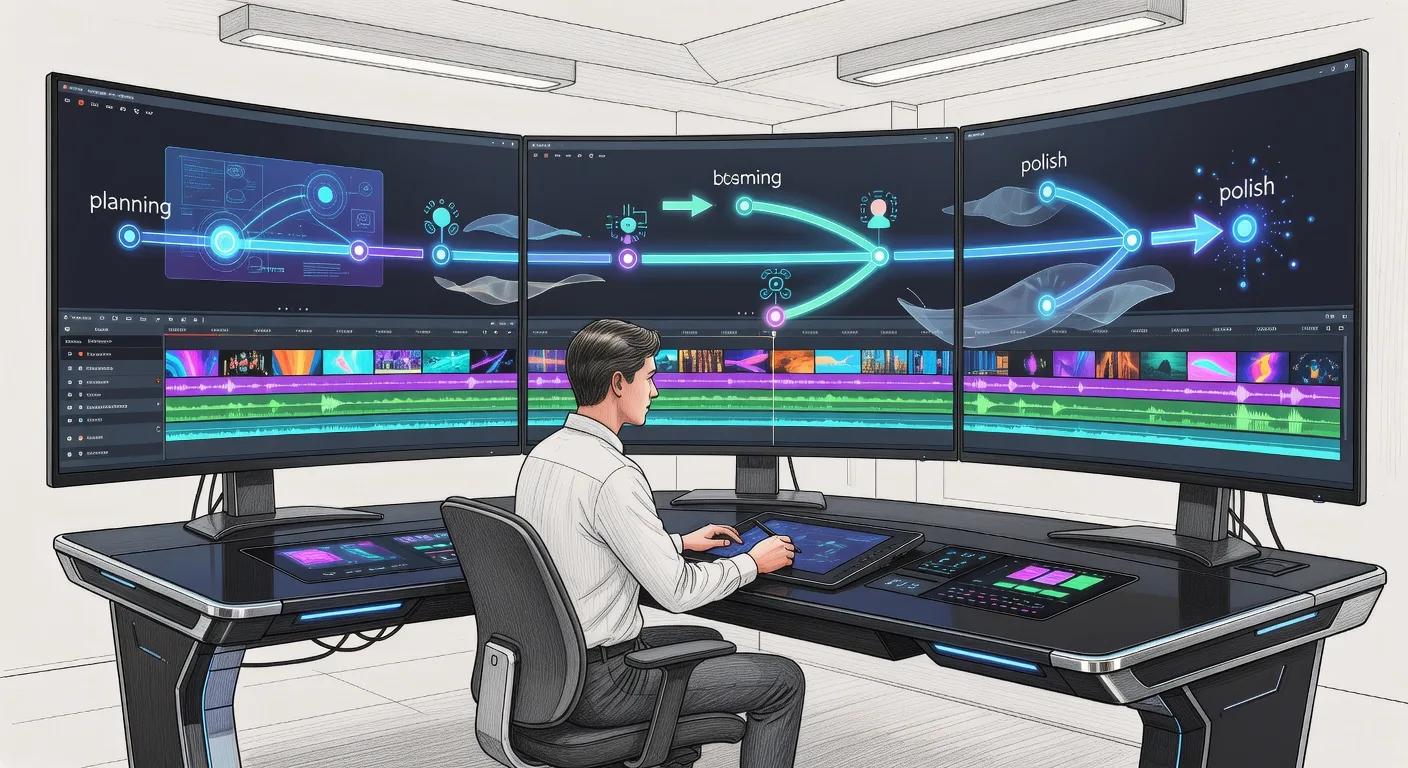
Hey there, fellow creators! Ever felt overwhelmed by raw footage piling up, turning your passion project into a chaotic mess? In 2026, mastering a solid video editing workflow can transform that stress into smooth, engaging content that captivates your audience. Let's dive into how you can streamline your process, from planning to polish, and make every edit count.
Understanding the Video Editing Workflow Basics
At its core, a video editing workflow is your personal roadmap for turning ideas into polished videos. Start by outlining your project's goals—whether it's a vlog, tutorial, or product demo—to guide your decisions. Gather all assets upfront, like footage, audio, and graphics, to avoid mid-edit scrambles. This foundational step ensures you're not reinventing the wheel and keeps your creative energy focused.
Think of it as building a house: without a blueprint, things get messy. By defining your timeline and key milestones, you set yourself up for success. Plus, in today's fast-paced digital world, a clear workflow helps you meet deadlines without sacrificing quality.
Essential Tools and Software for 2026
Choosing the right tools can make or break your workflow. For beginners, user-friendly options like Adobe Premiere Rush offer intuitive interfaces for quick edits on the go. If you're diving deeper, Adobe Premiere Pro or DaVinci Resolve provide professional-grade features for color grading and effects.
Don't overlook free alternatives such as HitFilm Express for VFX or CapCut for mobile editing. Pair these with hardware like a decent computer with SSD storage to speed up rendering times. Remember, the best tool is one that fits your style—experiment to find your match.
💡 Looking for professional Video Editing services? Check out our Fiverr gig to get started today!
For those expanding into visuals, check out our 3D product animation services to add dynamic elements to your videos.
Step-by-Step Editing Process
Break down your workflow into manageable steps. First, import and organize your footage by creating bins for different scenes. Then, log your clips by trimming unnecessary parts and adding markers for key moments.
Next, assemble a rough cut by sequencing clips in order. Add transitions, audio layers, and basic effects to build the narrative. Finally, refine with color correction and sound design before exporting. This phased approach prevents errors and allows for iterative improvements.
Incorporate feedback loops: share drafts with peers for input. It's a game-changer for refining your vision.
Tips for Efficiency and Creativity
Boost your productivity with keyboard shortcuts and templates for recurring tasks like intros. Batch process similar edits to save time, and use proxies for smoother playback on slower machines.
Inject creativity by experimenting with pacing—vary shot lengths to keep viewers hooked. Learn from top YouTubers who use storytelling techniques to connect emotionally. Also, archive your projects for future reference, turning one-offs into reusable assets.
For custom visuals, explore our custom logo animation services to elevate your branding.
Advanced Techniques for Pro-Level Edits
Push your skills with motion tracking for seamless effects or AI-assisted tools for auto-transcribing audio. In 2026, integrate VR elements or interactive overlays to engage audiences differently.
Study case studies: a travel vlogger might use drone footage with stabilization for epic reveals. Always prioritize storytelling over flashy tricks—let the content shine.
If you're into explainers, our military 3D explainer services can bring complex ideas to life.
Checklist
Here's a quick checklist to refine your video editing workflow:
- Define project goals and audience before starting
- Gather and organize all assets in one place
- Set up a project timeline with milestones
- Choose and familiarize yourself with editing software
- Create a rough cut and iterate on feedback
- Apply color grading and audio enhancements
- Export in multiple formats for different platforms
- Review and archive the project for future use
Frequently Asked Questions
What if I'm new to video editing? Start simple with free tools and online tutorials. Focus on one project at a time to build confidence without overwhelm.
How long does a typical workflow take? It varies by video length and complexity—short clips might take hours, while features could span days. Efficiency comes with practice.
Can I edit on mobile devices? Absolutely! Apps like CapCut make on-the-go edits possible, though desktops offer more power for intricate work.
What's the biggest mistake beginners make? Skipping organization leads to frustration. Always plan ahead to streamline the process.
How do I handle large file sizes? Use proxies and cloud storage to manage them. Compress where needed without losing quality.
Conclusion
Embracing a structured video editing workflow in 2026 isn't just about tools—it's about unleashing your creativity efficiently. Start small, experiment boldly, and watch your content soar. Ready to elevate your videos? Reach out for our video editing services and let's create something amazing together!
Ready to Get Started?
If you're looking for professional Video Editing services, I'm here to help! Visit my Fiverr profile to see my portfolio and place an order.
Turn this workflow into real deliverables
Browse production-ready 3D assets for your next project, then step into 3d product animation if you need a custom build.