Mastering Video Editing Workflow: A Guide for Creators
Introduction
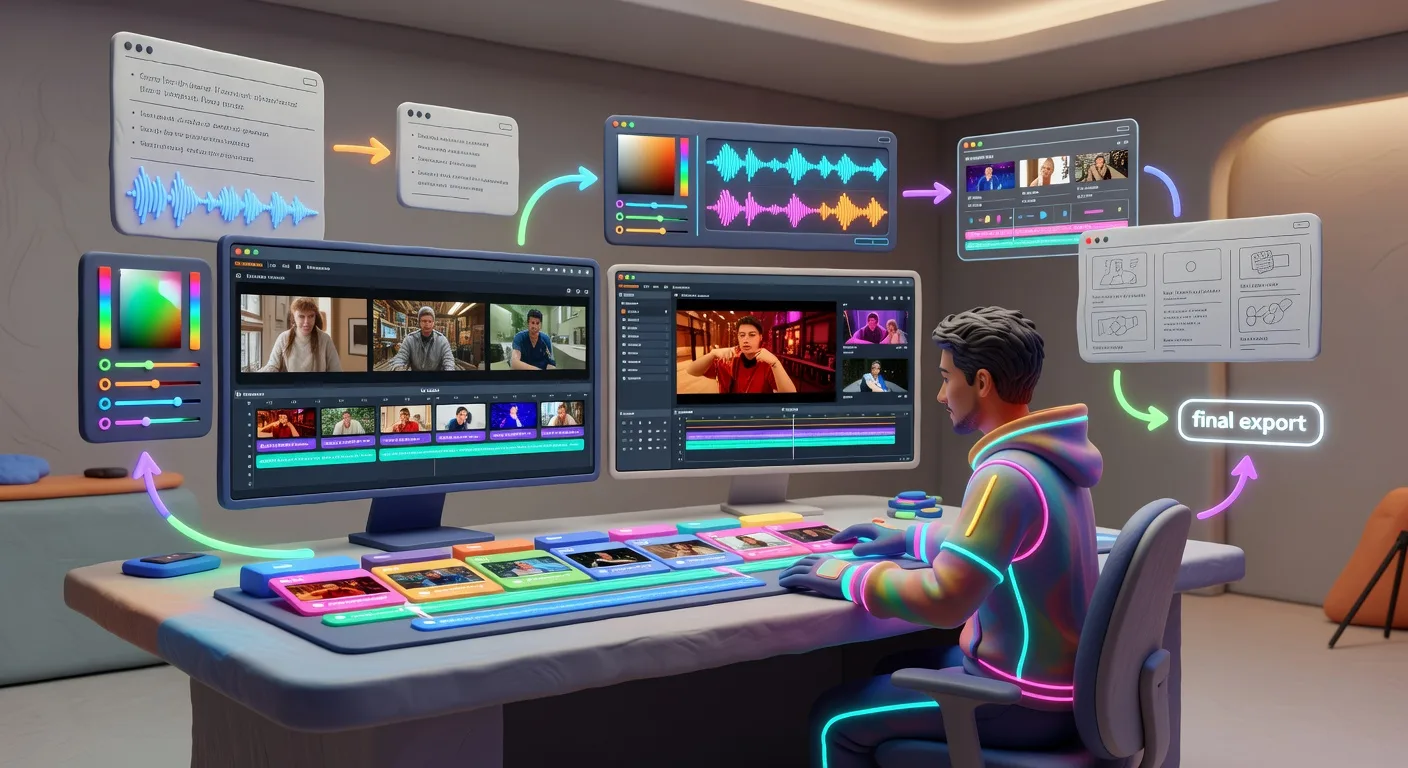
Hey there, creative minds! If you're a content creator, YouTuber, or video producer juggling raw footage into captivating stories, you're in the right spot. Imagine turning chaotic clips into polished gems without the stress— that's the magic of a solid video editing workflow. In 2026, with tools evolving rapidly, mastering this process can skyrocket your productivity and viewer engagement. Let's dive into building an efficient workflow that fits your style.
Planning Your Project
Before you touch any software, start with a clear plan. Outline your video's goal, target audience, and key messages. Jot down a rough script or storyboard to visualize the flow. This step prevents wasted time later. For instance, if you're editing a product demo, map out scenes showing the item in action, testimonials, and calls to action. By organizing your ideas upfront, you create a roadmap that guides every edit decision.
Gathering and Organizing Footage
💡 Looking for professional Video Editing services? Check out our Fiverr gig to get started today!
Once planned, collect all your raw materials. Import clips from cameras, phones, or stock sites into your editing software. Create folders for different elements like interviews, B-roll, and music. Use descriptive file names to avoid confusion. Imagine editing a travel vlog—sort footage by location and theme so transitions feel seamless. This organization keeps your project manageable, especially for longer videos with hundreds of clips.
Editing the Core Content
Now, the fun part: cutting and arranging. Trim unnecessary bits, sequence clips logically, and add basic transitions. Focus on pacing—keep viewers hooked by varying shot lengths. For YouTubers, sync audio with visuals to enhance storytelling. If you're working on an explainer video, layer in graphics to clarify complex ideas. Tools like color correction can unify your look, making amateur footage appear professional.
Enhancing with Effects and Audio
Elevate your edit with effects and sound design. Apply filters for mood, add text overlays for emphasis, and fine-tune audio levels. Remove background noise or enhance voiceovers for clarity. Consider using sound effects to punctuate actions, like a whoosh for quick cuts. For video producers, integrating music licensed for 2026 platforms ensures legal compliance. These touches transform a basic edit into an immersive experience that resonates with audiences.
Reviewing and Exporting
Don't rush to publish—review your work multiple times. Check for errors, test on different devices, and gather feedback if possible. Make final tweaks to timing or effects. When exporting, choose the right format and resolution for your platform, like 4K for YouTube. This step ensures your video shines across screens, boosting retention and shares.
Quick Checklist for Your Video Editing Workflow
- Define your video's objective and audience before starting
- Organize footage into labeled folders for easy access
- Create a rough cut focusing on story flow and pacing
- Apply color grading and audio enhancements for polish
- Add transitions, text, and effects to engage viewers
- Conduct thorough reviews and make adjustments
- Export in optimal formats for your target platforms
- Backup your project files securely
Frequently Asked Questions
What software is best for beginners in video editing? Start with user-friendly options like Adobe Premiere Rush or DaVinci Resolve free edition. They offer intuitive interfaces without overwhelming features, perfect for YouTubers building their skills.
How long should a typical editing session last? Aim for 1-2 hours per session to maintain focus. Break complex projects into smaller tasks, like editing one scene at a time, to avoid burnout and ensure quality.
Can I edit videos on a budget? Absolutely—free tools like HitFilm Express or CapCut provide powerful features. Combine with stock assets to create professional results without high costs.
How do I handle large video files? Use external drives for storage and optimize clips during import. Compress files if needed, but always keep originals intact for future edits.
What's the key to faster workflows in 2026? Leverage AI-assisted features in modern software for auto-cutting or color correction. Pair this with keyboard shortcuts to streamline repetitive tasks.
Conclusion
Wrapping up, a well-structured video editing workflow isn't just a routine—it's your secret weapon for standout content. By planning ahead, organizing smartly, and refining thoughtfully, you'll produce videos that captivate and convert. Ready to level up? Explore our video editing services or dive into 3D product animation for even more creative options. Start editing smarter today and watch your audience grow!
(Word count: 900)
Ready to Get Started?
If you're looking for professional Video Editing services, I'm here to help! Visit my Fiverr profile to see my portfolio and place an order.
Turn this workflow into real deliverables
Browse production-ready 3D assets for your next project, then step into 3d product animation if you need a custom build.