Mastering Video Editing Workflows for Creators in 2026
Introduction
Hey there, fellow creators! Ever feel like your video editing process is a tangled mess? You're not alone. In 2026, mastering a solid workflow can turn chaos into cinematic magic. Let's explore how YouTubers and video producers can streamline their editing game.
Building Your Workflow Foundation
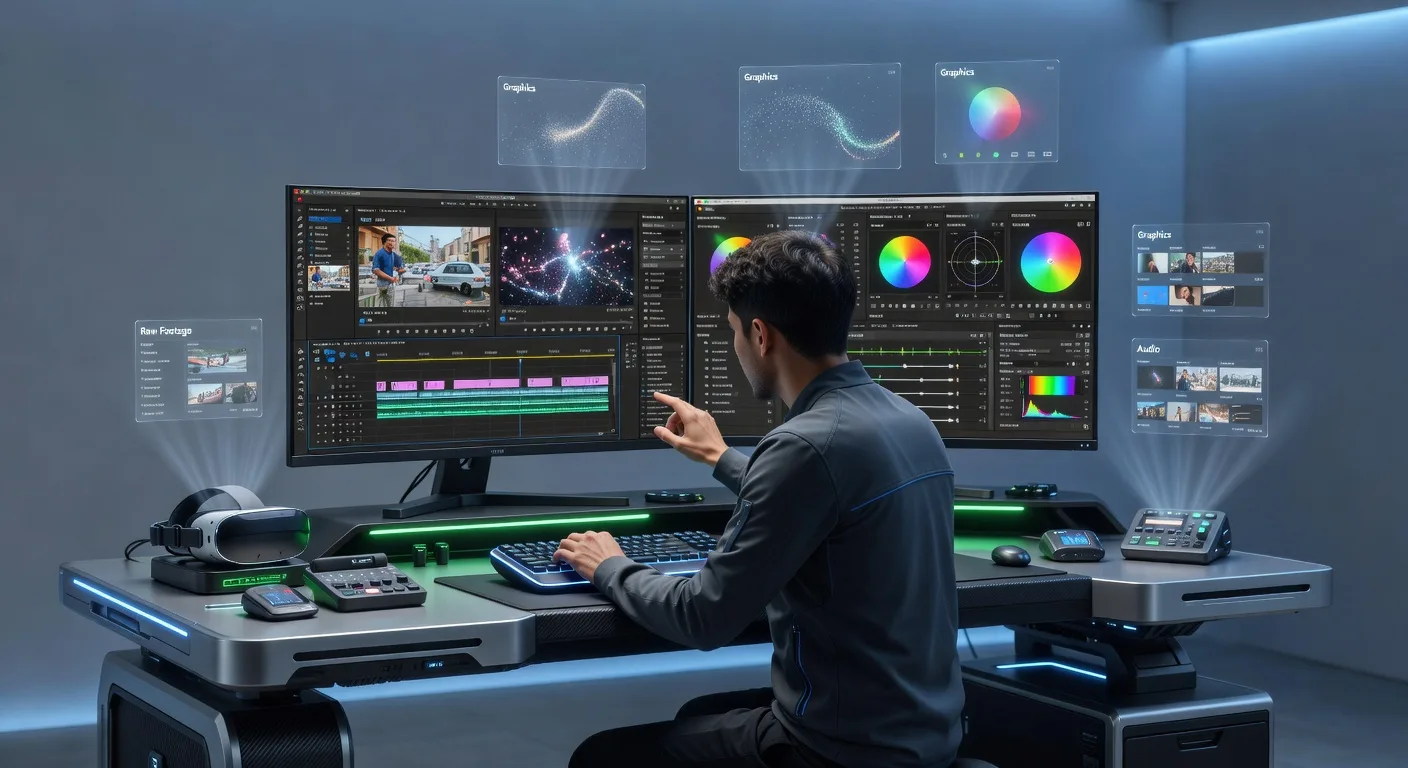
Start by outlining your project steps. Begin with raw footage organization—sort clips by scene or theme right after shooting. This prevents overwhelm later. Then, move to rough cuts, adding placeholders for music or effects. Remember, a clear foundation keeps your creativity flowing without distractions.
Essential Tools and Software
Choosing the right tools is key. For beginners, free options like DaVinci Resolve offer powerful color grading. Up your game with Adobe Premiere Pro for seamless integration with After Effects. Don't forget hardware— a decent graphics card speeds up rendering. Experiment to find what fits your style best.
💡 Looking for professional Video Editing services? Check out our Fiverr gig to get started today!
Optimizing for Speed and Quality
Incorporate batch processing to handle multiple videos efficiently. Use keyboard shortcuts to shave off editing time. For quality, always preview in full resolution before export. Collaborate with team members via cloud-based platforms to get feedback early. These tweaks can cut hours from your schedule.
Avoiding Common Pitfalls
One big mistake is skipping backups—always save versions incrementally. Another is overloading effects; less can be more impactful. Avoid working late; fresh eyes catch errors better. Stay updated with 2026 software patches to prevent crashes.
Quick Checklist for Video Editing Workflow
- Organize raw footage into folders by date or scene
- Create a rough timeline with key transitions
- Apply basic color corrections early
- Insert placeholders for audio and effects
- Review and refine in a test export
- Backup project files after major edits
- Collaborate with peers for feedback
- Finalize with high-resolution export
Frequently Asked Questions
What's the first step in a video editing workflow?
Kick off by gathering and organizing all your footage. Sort it logically to make the process smoother from the start.
How can I make my workflow faster?
Leverage keyboard shortcuts and templates. Batch process similar tasks to save time without sacrificing quality.
What tools do you recommend for beginners?
Start with user-friendly software like DaVinci Resolve. It's free and packs professional features to build confidence.
How do I handle revisions in my workflow?
Use version control by saving incremental files. This lets you revert changes easily and track improvements.
Why is collaboration important?
Sharing drafts with your team ensures fresh perspectives. Tools like shared drives make it simple and effective.
Conclusion
Embracing a tailored video editing workflow empowers you to create standout content effortlessly. Ready to level up? Check out our video editing services or explore 3D product animation for added flair. Start refining your process today and watch your videos shine!
Ready to Get Started?
If you're looking for professional Video Editing services, I'm here to help! Visit my Fiverr profile to see my portfolio and place an order.
Turn this workflow into real deliverables
Browse production-ready 3D assets for your next project, then step into 3d modeling if you need a custom build.