Military-Style 3D Explainers: Impactful Training Videos for 2026
Introduction
Ever wondered why military training videos are so effective? In 2026, military-style 3D explainers are setting a new standard for impactful, memorable training content. Whether you’re a YouTuber, content creator, or video producer, these dynamic visuals can transform your educational videos from bland to brilliant. Let’s dive into how you can harness this powerful style for your own projects.
Why Military-Style 3D Explainers Stand Out
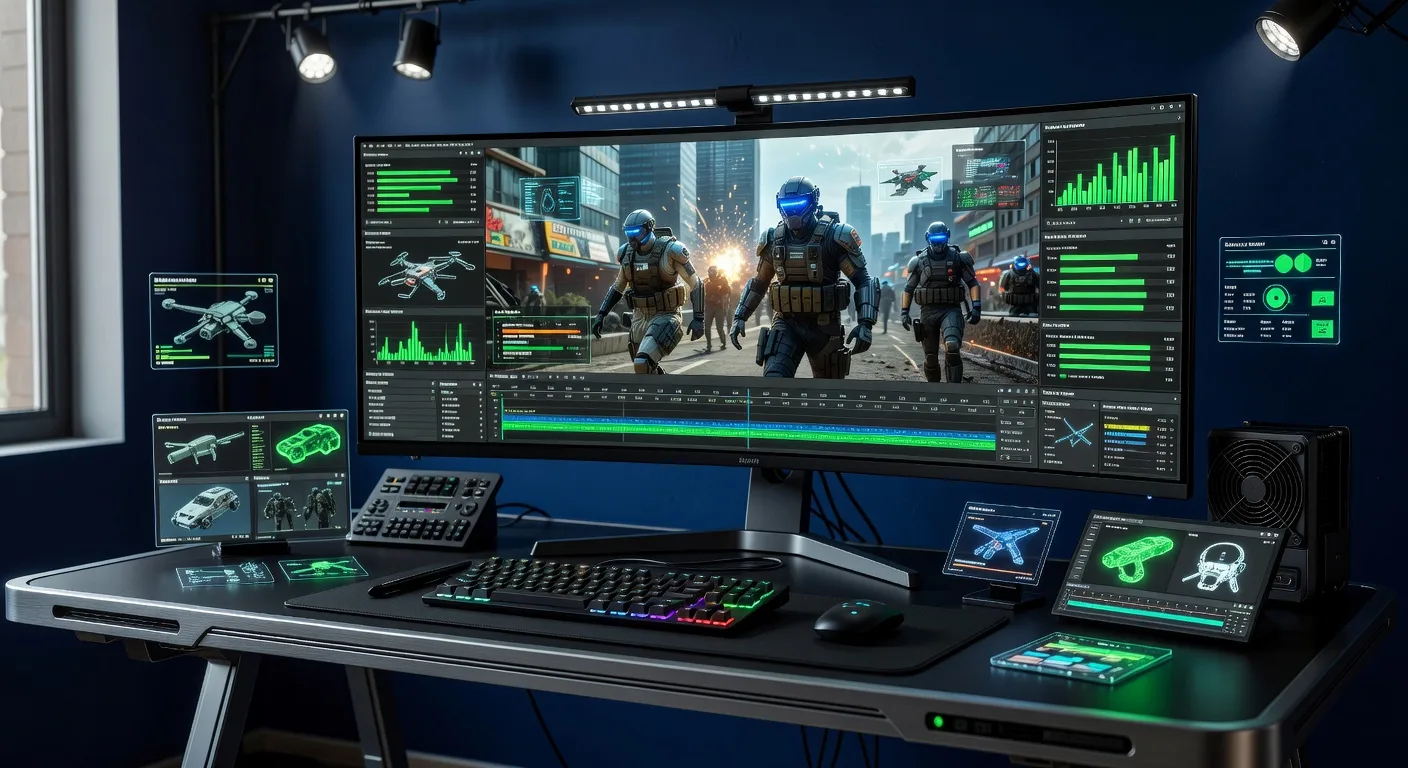
Military-style 3D explainers combine precision, clarity, and visual storytelling. They break down complex concepts into digestible, engaging scenes. Here’s why they’re so effective:
- Clarity: 3D visuals illustrate processes and equipment from every angle, leaving no room for confusion.
- Engagement: Fast-paced edits, tactical overlays, and realistic animations keep viewers hooked.
- Retention: Studies show that visual learning boosts memory. Military-style explainers use repetition and clear labeling to reinforce key points.
For example, a drone operation tutorial can use 3D models to show flight paths, controls, and safety zones—all in one seamless animation. This approach isn’t just for the armed forces; it’s perfect for tech tutorials, safety briefings, and product demos.
Key Elements of Military-Style 3D Training Videos
To create a truly impactful military-style explainer, focus on these core elements:
💡 Looking for professional Video Editing services? Check out our Fiverr gig to get started today!
1. Realistic 3D Modeling
Authenticity matters. Use detailed 3D models to represent equipment, environments, or scenarios. If you need custom assets, check out our 3D modeling services for tailored solutions.
2. Tactical Overlays and Graphics
Add heads-up displays (HUDs), callouts, and animated labels. These overlays guide the viewer’s attention and clarify each step. For example, highlighting a weapon’s safety switch or marking a safe evacuation route.
3. Dynamic Camera Movements
Military explainers often use sweeping camera angles, zooms, and first-person perspectives. This immerses viewers and simulates real-life scenarios, making the training more relatable and memorable.
4. Concise Narration and Sound Design
Pair visuals with clear, authoritative narration. Use sound effects—like radio chatter or environmental cues—to enhance realism. Keep scripts concise and focused on actionable steps.
Practical Applications for Content Creators
Military-style 3D explainers aren’t just for defense contractors. Here’s how creators and producers are using them in 2026:
- Tech Tutorials: Demonstrate hardware assembly or software workflows with step-by-step 3D breakdowns.
- Safety Training: Simulate emergency procedures for workplaces, schools, or public spaces.
- Product Demos: Showcase features and functions with cinematic 3D flythroughs. See our 3D product animation for inspiration.
- YouTube Education: Stand out with visually rich explainers that simplify complex topics for your audience.
By adopting this style, you’ll boost viewer engagement and set your content apart from the competition.
How to Get Started: Workflow Tips
Ready to create your own military-style 3D explainer? Here’s a streamlined workflow:
- Script and Storyboard: Outline your key messages and sketch visual sequences.
- Asset Creation: Build or source 3D models. Our military 3D explainer service can help.
- Animation and Editing: Animate scenes, add overlays, and sync with narration.
- Review and Refine: Test with a sample audience and tweak for clarity.
- Export and Share: Render in high resolution and optimize for your platform.
For more editing tips, explore our video editing services.
Quick Checklist
- Define your training objectives and audience
- Script concise, actionable instructions
- Source or create accurate 3D models
- Add tactical overlays and clear labels
- Use dynamic camera angles for immersion
- Sync narration and sound effects
- Test with real users for feedback
- Optimize video for your chosen platform
FAQ
Q1: Do I need advanced 3D skills to create military-style explainers? A: Not necessarily. Many tools offer templates and drag-and-drop features. For custom work, consider partnering with a 3D animation expert.
Q2: What software is best for military-style 3D videos in 2026? A: Popular choices include Blender, Unreal Engine, and Cinema 4D. Choose based on your project’s complexity and your team’s experience.
Q3: Can I use this style for non-military topics? A: Absolutely! The clarity and engagement of military-style explainers work for tech, education, safety, and more.
Q4: How long should my training video be? A: Aim for 2-5 minutes per topic. Short, focused videos improve retention and viewer satisfaction.
Conclusion
Military-style 3D explainers are revolutionizing training videos in 2026. By blending realism, clarity, and dynamic visuals, you can create content that truly resonates. Ready to elevate your next project? Explore our video editing and military 3D explainer services to get started today!
Ready to Get Started?
If you're looking for professional Video Editing services, I'm here to help! Visit my Fiverr profile to see my portfolio and place an order.
Turn this workflow into real deliverables
Browse production-ready 3D assets for your next project, then step into military 3d explainer if you need a custom build.