Workflow Wonders: A Guide for Content Creators and YouTubers
Introduction
Imagine diving into a video project where every clip flows seamlessly, edits happen in a flash, and your final output shines without endless revisions. That's the magic of mastering workflow wonders in video editing. As a content creator or YouTuber, optimizing your process can turn chaotic sessions into productive powerhouses. Let's explore how to harness these wonders for smoother productions.
Building a Solid Foundation
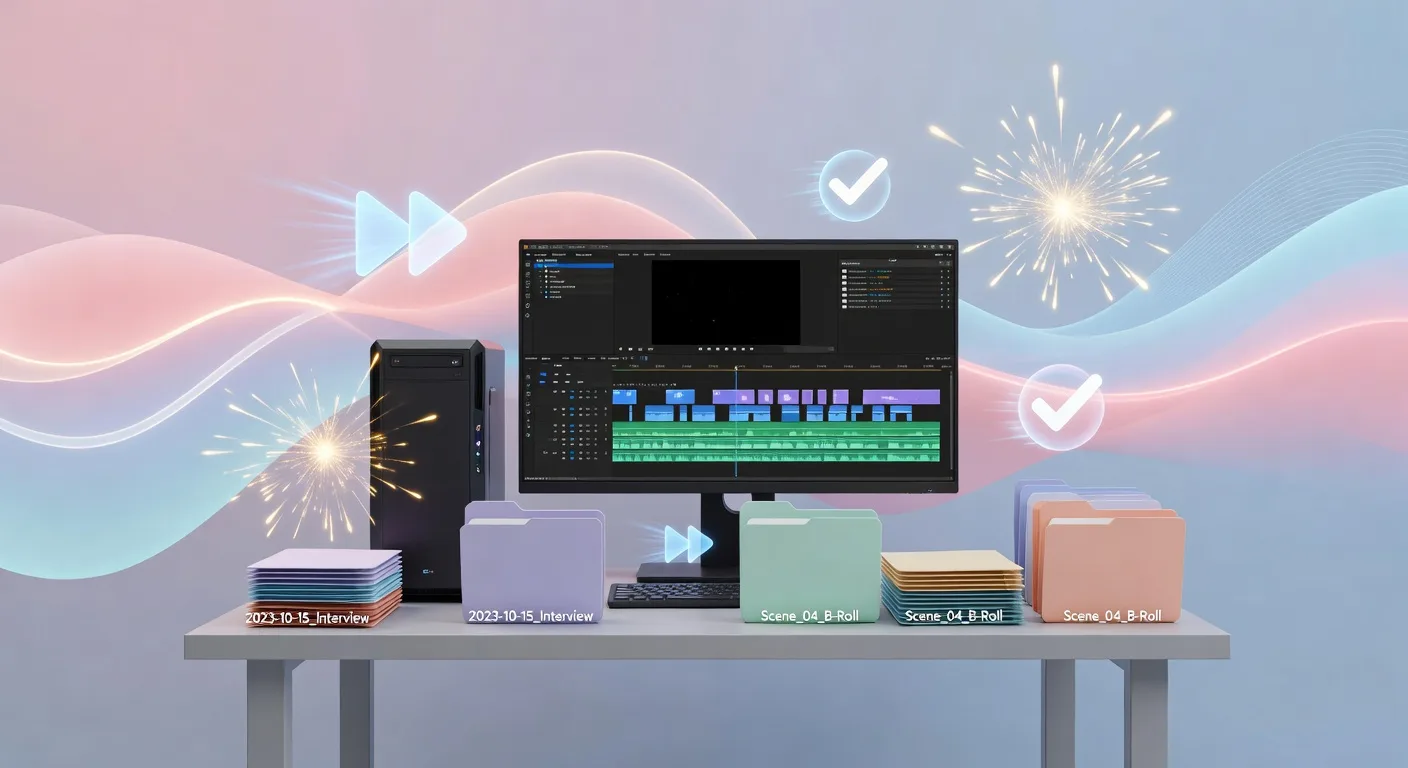
Start by organizing your raw footage right from the get-go. Create folders labeled by date or scene to keep everything tidy. This simple step prevents the dreaded hunt for that one clip amid a mess of files. Use color-coding in your editing software to tag different elements, like interviews in blue and b-roll in green. It speeds up your workflow and lets you focus on storytelling instead of searching.
Next, set up templates for recurring elements, such as intros or end screens. These reusable assets cut down on repetitive tasks. For instance, if you're a YouTuber making weekly tutorials, a pre-made intro template saves precious minutes. Combine this with keyboard shortcuts tailored to your style—learn them early to navigate software like a pro.
Leveraging Tools for Efficiency
💡 Looking for professional Video Editing services? Check out our Fiverr gig to get started today!
Dive into software that fits your needs, whether it's Adobe Premiere Pro for detailed edits or DaVinci Resolve for color grading. Experiment with plugins that automate tasks, like auto-syncing audio to video. For content creators, tools like Adobe After Effects can add dynamic animations without starting from scratch.
Incorporate collaboration features if you're working with a team. Platforms like Frame.io allow real-time feedback on cuts, reducing back-and-forth emails. For 3D elements, check out our 3D product animation services to integrate stunning visuals effortlessly. This blend of tools keeps your workflow innovative and efficient.
Avoiding Common Pitfalls
One big mistake is overloading your timeline with too many effects at once. It slows down your computer and your progress. Instead, work in layers—apply basics first, then refine. Always back up your project files to avoid losing hours of work due to crashes.
Watch out for over-editing; sometimes less is more. If you're stuck, step away and return with fresh eyes. For military-themed explainers, our military 3D explainer services can provide precise animations without the hassle. Learning from these errors turns them into stepping stones for better workflows.
Advanced Strategies for Growth
As you advance, adopt batch processing for multiple videos. This technique lets you apply the same edits to a series, ideal for YouTubers with episodic content. Integrate AI tools for transcribing audio or generating thumbnails, freeing up time for creative decisions.
Track your metrics too—use analytics to see which videos perform best and refine your style. For custom branding, explore our custom logo animation services to make your channel stand out. These strategies elevate your workflow from good to exceptional.
Quick Checklist for Optimizing Your Workflow
- Organize footage into dated folders and color-code elements for quick access.
- Create reusable templates for intros, outros, and common effects to save time.
- Learn and customize keyboard shortcuts in your editing software.
- Back up projects regularly to prevent data loss.
- Use collaboration tools for team feedback and real-time edits.
- Incorporate plugins and AI for automation tasks.
- Step back from over-editing by reviewing with fresh eyes.
Frequently Asked Questions
How do I start improving my video editing workflow? Begin by assessing your current process—identify bottlenecks like disorganized files. Then, implement simple organization tips and build from there.
What tools are best for beginners in video editing? Start with user-friendly options like iMovie or HitFilm Express. As you grow, transition to professional software like Adobe Premiere for more features.
How can I avoid common workflow mistakes? Focus on backups, avoid overloading effects, and use templates. Regular reviews help spot and fix issues early.
Are there ways to speed up editing for YouTube videos? Yes, batch processing and keyboard shortcuts are game-changers. Also, leverage AI for repetitive tasks like transcription.
Where can I find help with advanced animations? Check out our video editing services for expert assistance in integrating complex elements.
Conclusion
Embracing workflow wonders isn't just about faster edits—it's about unleashing your creativity as a content creator or YouTuber. By organizing, leveraging tools, and learning from pitfalls, you'll produce videos that captivate audiences in 2026 and beyond. Ready to elevate your game? Dive into our video editing services today and start transforming your workflow!
Ready to Get Started?
If you're looking for professional Video Editing services, I'm here to help! Visit my Fiverr profile to see my portfolio and place an order.
Turn this workflow into real deliverables
Browse production-ready 3D assets for your next project, then step into 3d modeling if you need a custom build.